In 2026, the local AI development landscape has shifted. We're beyond the era where a standard gaming laptop could suffice for serious data science. As LLMs grow in parameters and multi-modal datasets become the norm, the "Best AI Workstation" is no longer just about raw clock speeds—it's about VRAM headroom, PCIe lane density, and memory bandwidth.
TL;DR: Our Top 3 Picks for 2026
- Best Overall for Generative AI: Adamant Custom 16-Core AI Workstation – The sweet spot for RTX 5090 power and price.
- Best for Large Model Fine-Tuning: Sentinel Non-RGB RTX PRO 6000 – 96GB of VRAM is the gold standard for massive context windows.
- Ultimate Data Science Powerhouse: NOVATECH Apex WS9985X – 64 cores and huge ECC memory for heavy pre-processing.
§Best Overall: Adamant Custom 16-Core AI Workstation
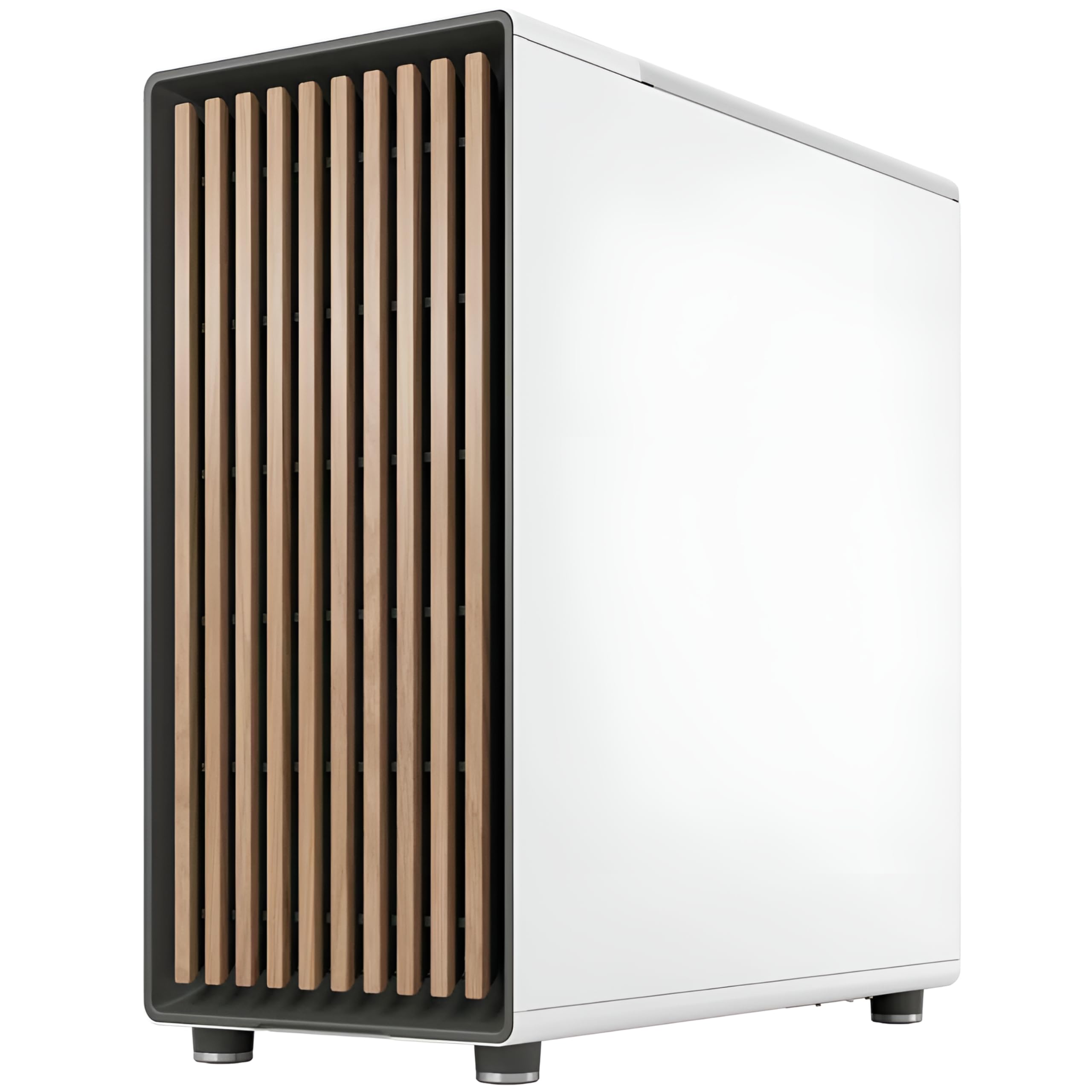
For most data scientists, the Adamant Custom 16-Core AI Workstation is the definitive 2026 choice. The 16-core AMD Ryzen 9 9950X3D provides enough multi-threaded performance to handle massive data ingest and feature engineering without bottlenecking the GPU.
The star here is the NVIDIA RTX 5090 with 32GB of VRAM. This is a significant jump from the previous generation, allowing you to run models like Llama 3 70B in higher quantization levels or fit larger batches during SDXL or Flux.1 training runs. With 192GB of DDR5 RAM, you also have plenty of overhead for manipulating massive DataFrames in memory.
§Best for Large Models: Sentinel Non-RGB RTX PRO 6000
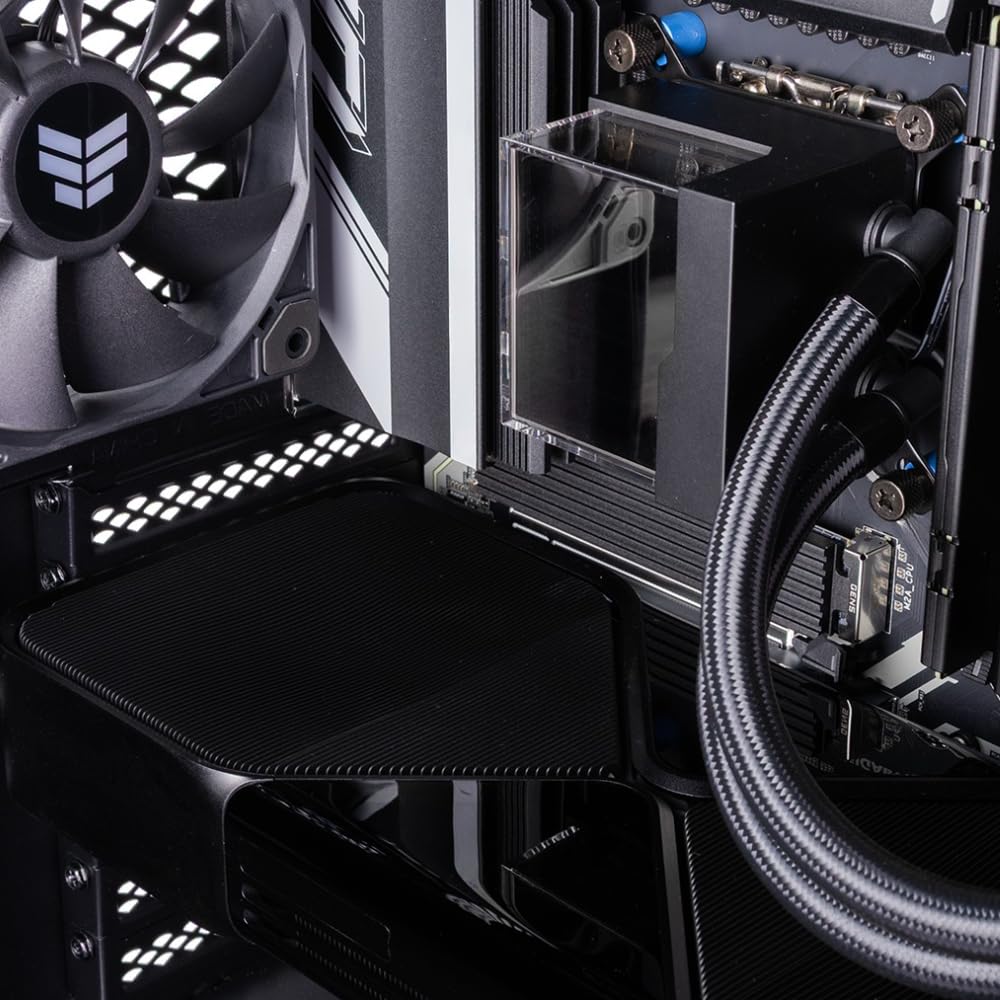
If your work involves fine-tuning large models or working with massive 3D datasets in NeRFs (Neural Radiance Fields), the Sentinel Non-RGB RTX PRO 6000 is essential. While the consumer RTX 5090 is fast, its 32GB can still be a ceiling. The RTX PRO 6000’s 96GB of GDDR7 VRAM solves that ceiling entirely.
This workstation is designed for stability. It lacks the "gamer" aesthetic of RGB lighting, focusing instead on a clean, professional thermal design. Whether you're running PyTorch 2.5+ or complex JAX transformations, having 96GB of addressable GPU memory means fewer "Out of Memory" errors and more time spent iterating. It’s also available in an Intel Ultra 9 285K variant if your pipeline relies on Intel-specific optimizations like OpenVINO.
§The Performance King: NOVATECH Apex WS9985X
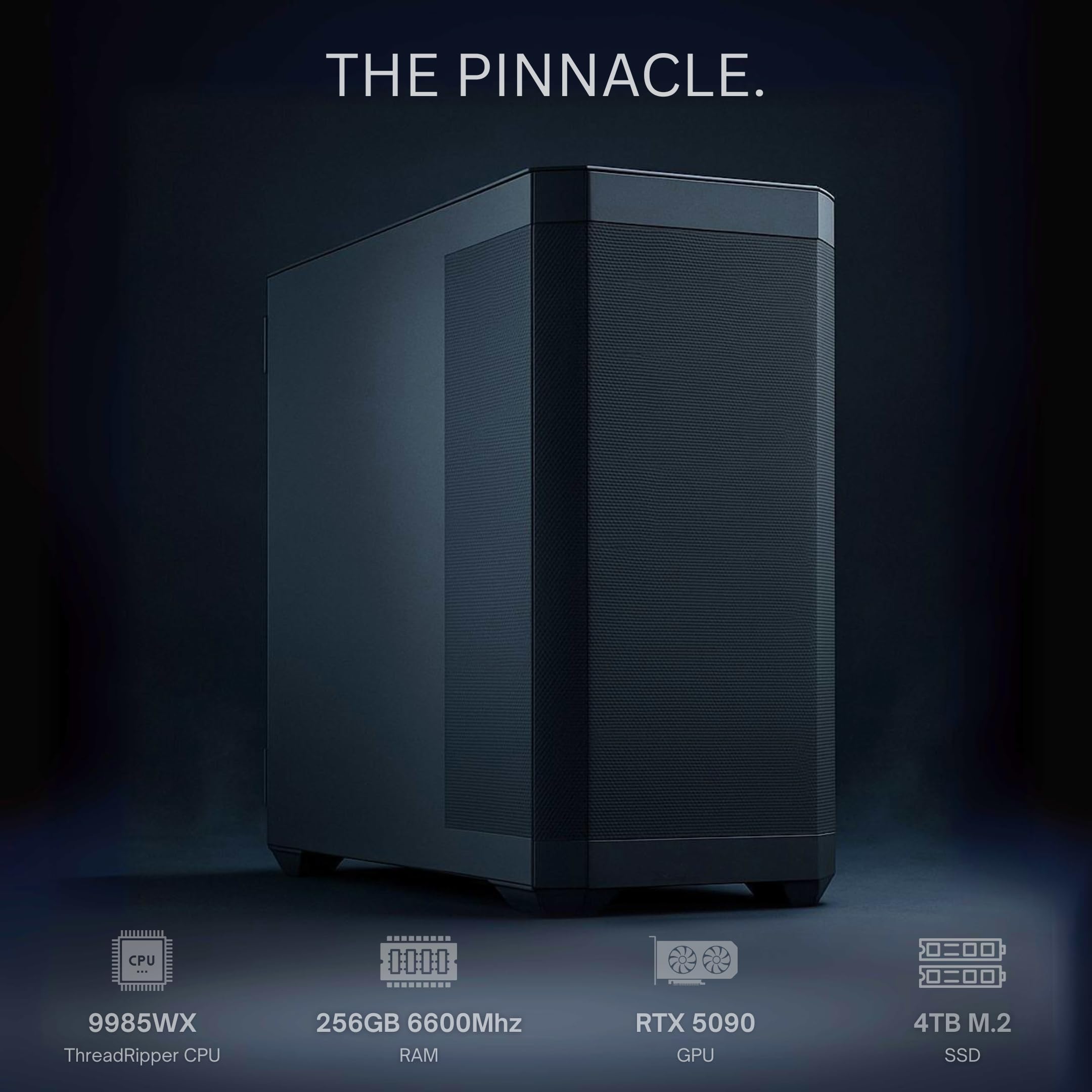
When data science involves more than just model training—think complex simulations, heavy ETL (Extract, Transform, Load) processes, or multi-threaded data scraping—the NOVATECH Apex WS9985X takes the lead.
The 64-core AMD Threadripper PRO 9985WX allows for extreme parallelism. If you frequently use Dask or Ray to distribute local workloads, this many cores are a force multiplier. Combined with 256GB of DDR5 memory and the flagship RTX 5090, this machine is essentially a data center rack node condensed into a desktop tower. For those on a slightly tighter budget who still need the Threadripper ecosystem, the NOVATECH Apex WS9965X offers 32 cores and an RTX 5080 16GB.
§High-End Visualization: Cloud Ninjas Iron Bull
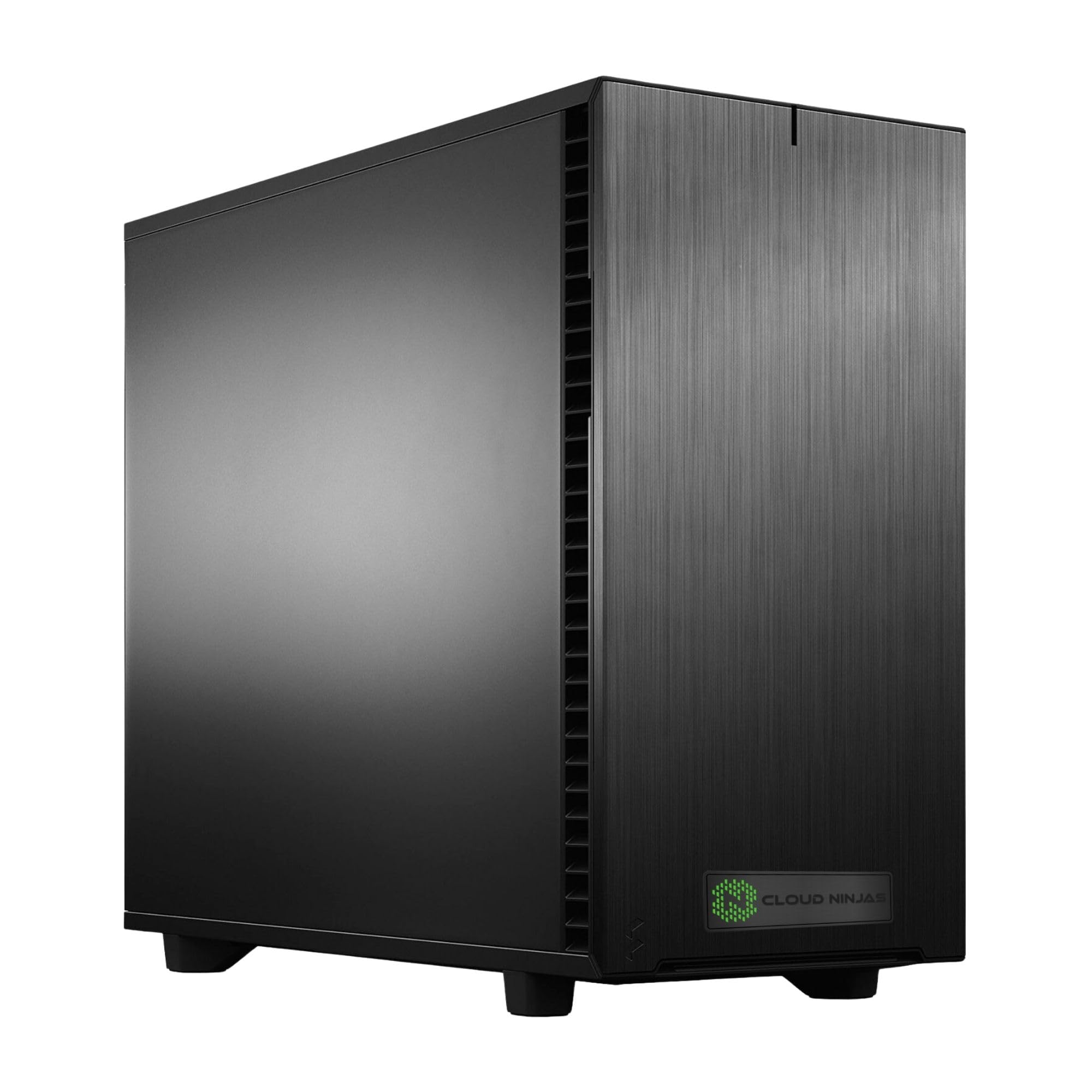
The Cloud Ninjas Iron Bull AI Workstation is specialized for the intersection of AI and production. While its branding mentions After Effects and VFX, the spec sheet is a dream for data scientists. It provides 256GB of ECC (Error Correction Code) Registered RAM.
ECC memory is critical for long-running training jobs that might span days. Bit flips in non-ECC memory can lead to silent data corruption or system crashes during a critical epoch. This system paired with the Ryzen Threadripper 9960X (24 Cores) provides the stability needed for enterprise-grade reliability.
§Entry-Professional Choice: Adamant Custom 12-Core
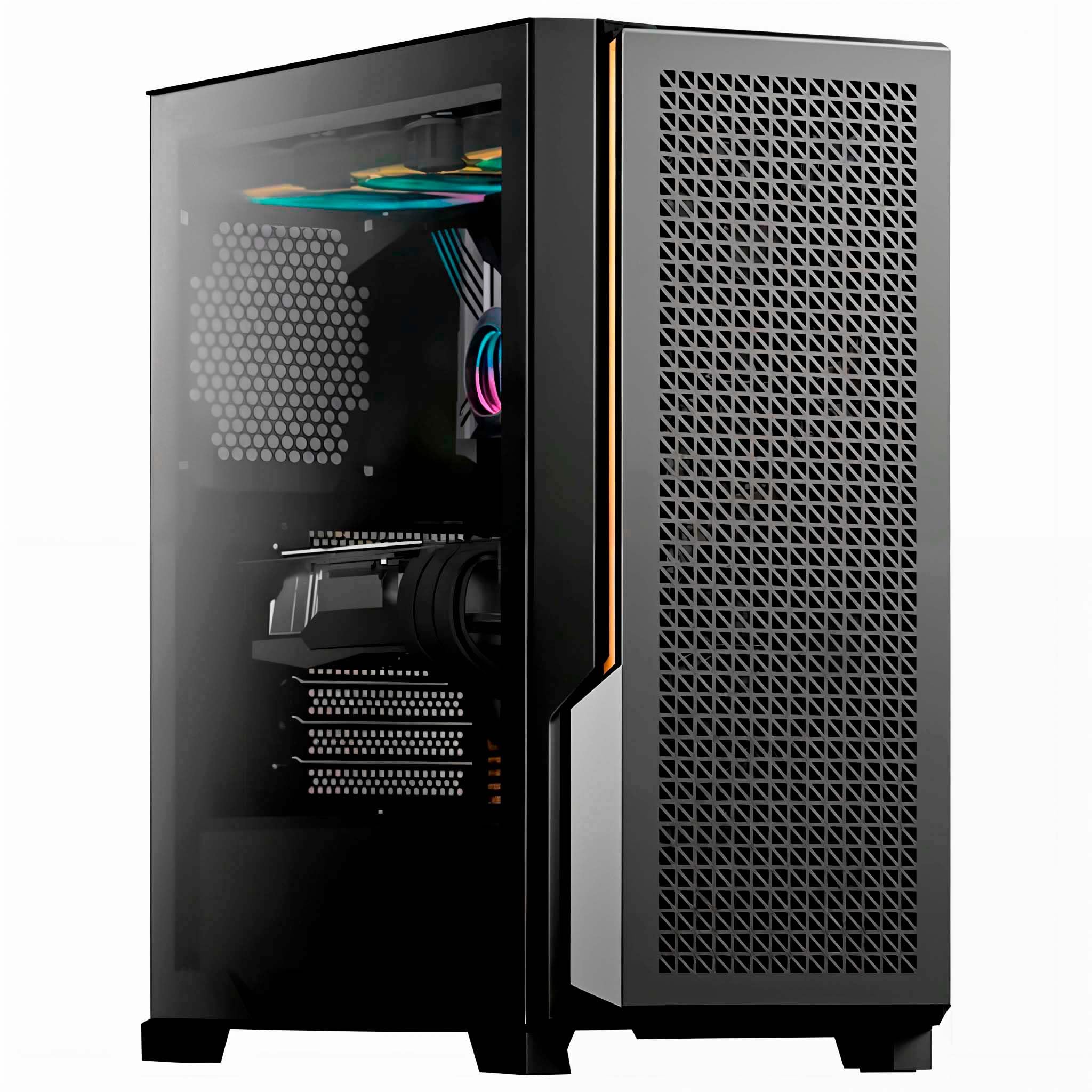
If you need the 32GB VRAM of the flagship GPU but don't need the core count of a Threadripper, the Adamant Custom 12-Core AI Learning Workstation is our value recommendation for 2026. It keeps the RTX 5090 but uses the 12-core Ryzen 9 9900X3D. This configuration is whisper-quiet thanks to liquid cooling, making it ideal for deep focal work in a home office or shared lab space.
§Comparison of AI Workstation Specs
| Model | GPU (VRAM) | CPU | RAM | VRAM Tier |
|---|---|---|---|---|
| Sentinel Non-RGB | RTX PRO 6000 (96GB) | Ryzen 9 9950X | 128GB | Extreme |
| NOVATECH Apex WS9985X | RTX 5090 (32GB) | TR PRO 9985WX | 256GB | High |
| Adamant Custom 16-Core | RTX 5090 (32GB) | Ryzen 9 9950X3D | 192GB | High |
| Cloud Ninjas Iron Bull | RTX 5090 (32GB) | TR 9960X | 256GB | High |
| NOVATECH Apex WS9965X | RTX 5080 (16GB) | TR PRO 9965WX | 128GB | Mid |
§How to Choose the Right Machine
Choosing a workstation in 2026 depends entirely on your primary model architecture:
- LLM Development: Priorities are VRAM first, system RAM second. Pick the Sentinel Non-RGB RTX PRO 6000 if you want to run 100B+ parameter models locally at reasonable speeds.
- Computer Vision & Diffusers: These often require high GPU clock speeds more than massive VRAM. The Adamant Custom 16-Core with its liquid-cooled RTX 5090 is perfect for SDXL or Flux training.
- Big Data & Analytics: If you spend 80% of your time in pandas, Polars, or Spark before ever touching a neural network, go for the NOVATECH Apex WS9985X. The 64 cores will cut your data cleaning time in half.
§FAQ
Does I need a workstation with ECC RAM for AI?
While not strictly required for small hobby projects, ECC RAM is highly recommended for professional data science. Long training jobs (multi-day) can fail due to memory bit-flips caused by cosmic rays or heat interference. The Cloud Ninjas Iron Bull includes ECC for this exact reason.
Can I run Llama 3 70B on 32GB of VRAM?
Yes, using 4-bit or 8-bit quantization (GGUF or EXL2 formats), a 70B model will fit on the 32GB RTX 5090 found in the Adamant Custom workstations. However, if you need to perform full-precision inference or fine-tuning, you'll need the 96GB VRAM of a Sentinel RTX PRO 6000.
Is Threadripper worth it for AI?
For pure training, the GPU matters most. However, Threadripper provides more PCIe lanes. If you plan to add a second or third GPU later, the NOVATECH Apex WS9985X platform (Threadripper PRO) is superior because consumer chips (Ryzen/Intel Core) run out of lanes, slowing down multi-GPU communication.
§Final word
Local AI development has never been more accessible, but the hardware requirements are steeper than ever. For the best balance of speed and storage in 2026, we recommend the 32GB VRAM offered by the RTX 5090 systems, unless your specific research demands the massive 96GB buffer of the RTX PRO series.