In the race to maximize Blackwell Rack TCO efficiency, CTOs are discovering a painful thermal reality: liquid-cooling the GPUs isn't a silver bullet. While moving heat off the compute silicon is essential, the sheer density of 200GbE networking and high-density NVMe storage creates "thermal islands" that can throttle performance and tank ROI. To truly master the cost-per-token economics of 2026, you have to look past the cold plates and solve the airflow physics of the entire rack.
Heads up: AI Hardware Hub may earn a commission when you buy through links on this page. We only recommend gear we'd run ourselves.

§The thermal island effect in Blackwell clusters
Most enterprise deployments today focus on the Direct-to-Chip (D2C) cooling for the primary accelerators. It makes sense; the power draw on a Blackwell-class GPU is significant. However, in a 200GbE or 400GbE environment, your NICs and NVMe storage arrays are often still air-cooled or trapped in "dead zones" behind the liquid-cooled manifolds.
When your networking gear hits its thermal ceiling, it doesn't just stop; it throttles. This increases latency across the InfiniBand or Ethernet fabric, meaning your million-dollar ASUS Dual AMD EPYC 9004 Series 4U GPU Server cluster sits idle for precious milliseconds waiting for data. If your storage and networking aren't integrated into the liquid loop, your Blackwell Rack TCO efficiency drops because you're paying for compute cycles that are stalled by "hot" data paths.
§Why 200GbE networking is your new bottleneck
In 2026, 200GbE is the baseline for distributed training. These transceivers generate immense heat in a very small footprint.
- Optical Transceiver Heat: High-speed optics can consume 20W+ per port. In a 128-port switch, that's over 2.5kW of heat in a 1U chassis.
- Airflow Blocking: Massive liquid-cooling hoses for the GPUs often obstruct the traditional front-to-back airflow needed for these switches.
- Signal Integrity: As temps rise, signal-to-noise ratios degrade, leading to packet re-transmissions that kill training throughput.
§High-density NVMe: The silent stovepipe
It’s easy to forget about the storage when you’re staring at 96GB VRAM beauties like the PNY Technology VCNRTXPRO6000BQ-PB NVIDIA RTX PRO 6000 Blackwell Max-Q. But large language models (LLMs) require massive checkpointing speeds. When NVMe drives throttle due to ambient rack heat, your "save" times double.
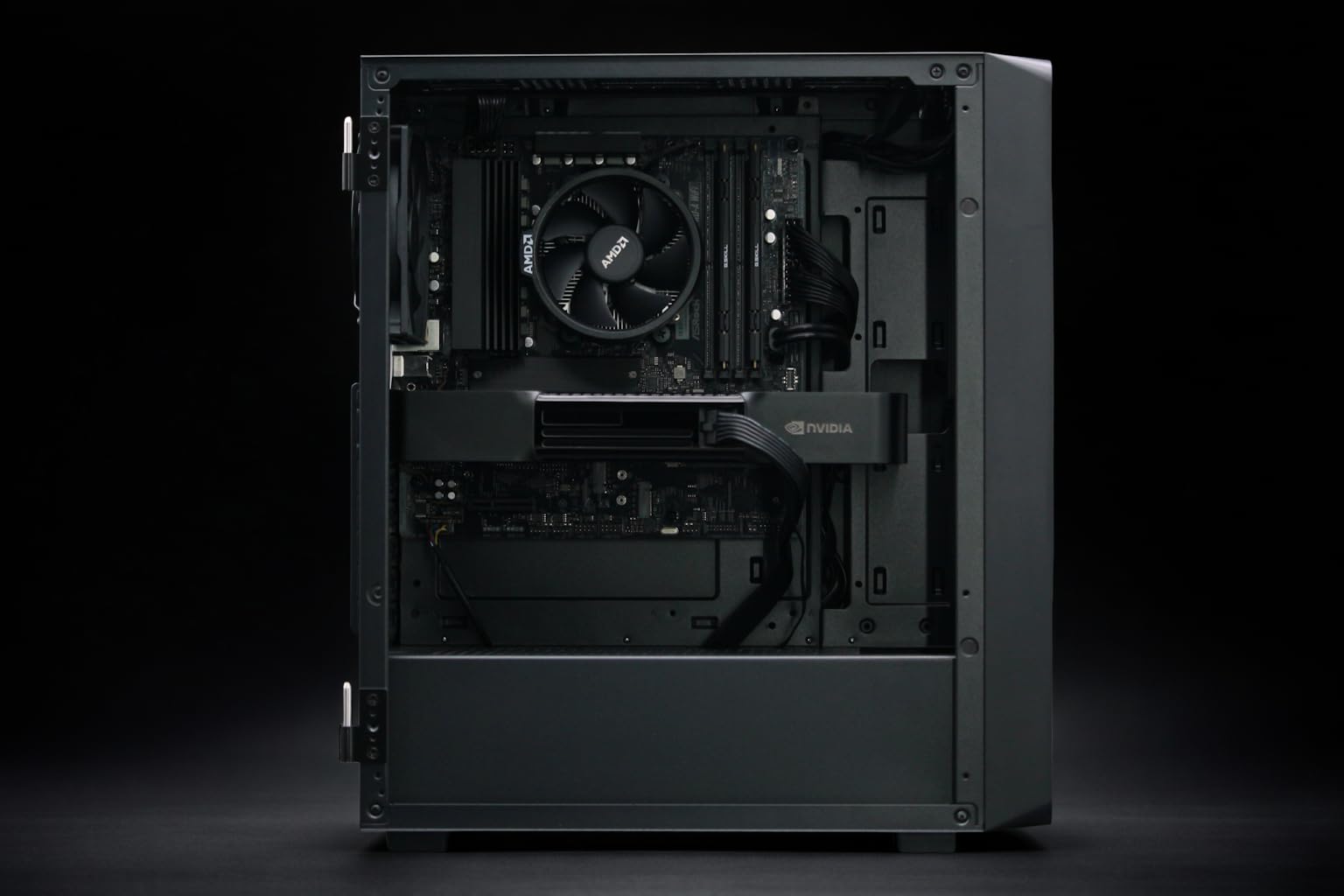
For developers working locally on a BoxGPT AI Workstation - RTX PRO 6000 Blackwell, this is managed by chassis fans. But at the rack level, 32 or 64 NVMe drives packed into a JBOF (Just a Bunch of Flash) act like a space heater that liquid cooling can't touch.
§Component Thermal Comparison: Blackwell Era
| Component | Primary Cooling | Typical Power Draw (2026) | TCO Risk Factor |
|---|---|---|---|
| Blackwell GPU (Max-Q) | Liquid / Max-Q Air | 400W - 700W+ | High (Compute Throttling) |
| 200GbE Switch | Hybrid / Air | 1.5kW - 3kW | Critical (Fabric Latency) |
| NVMe Storage Array | Air / Forced Convection | 500W - 1.2kW | Medium (Checkpoint Stalling) |
| CPU (EPYC 9004/9900X) | Liquid / Air | 300W - 400W | Low (Management Overhead) |
§Bridging the gap: Workstation to Rack
If you are developing models on a BoxGPT AI Workstation with 256GB RAM, you aren't seeing these issues yet. Local workstations are designed with airflow paths that keep the PNY NVIDIA RTX 6000 ADA or the newer Blackwell Max-Q cards stable.
But when those same models graduate to an ASUS ESC8000A-E12P in a high-density data center, the physical interplay changes. CTOs must demand "Rear Door Heat Exchangers" (RDHx) or full immersion cooling to catch the heat that the cold plates miss. If you only liquid-cool the GPU, the remaining 30-40% of the rack's heat still requires massive air conditioning—negating much of the OPEX savings.
§3 Strategies for Blackwell Rack Efficiency
- Staggered Networking: Avoid placing 200GbE switches in the middle of the "heat plume" of the GPUs.
- Active Optical Cables (AOCs): Use AOCs instead of copper for longer runs to keep the heat-generating transceivers further away from the dense GPU clusters.
- Holistic Monitoring: Don't just monitor GPU temps. Tie your job scheduler into the NVMe and Switch thermals via benchmarks.
§The Bottom Line
Mastering Blackwell Rack TCO efficiency isn't just about buying the fastest chips; it's about preventing the "thermal islands" created by 200GbE and NVMe storage from stalling those chips. Liquid cooling is a great start, but it’s a partial solution. Until your networking and storage are as cool as your Blackwell Max-Q cores, you're leaving performance—and money—on the table.
Heads up: AI Hardware Hub may earn a commission when you buy through links on this page. We only recommend gear we'd run ourselves.
FAQ
Why does Blackwell need more specific cooling than the Ada generation?
The increase in transistor density and memory bandwidth in cards like the PNY Technology VCNRTXPRO6000BQ-PB means heat is generated more intensely in a smaller surface area. While total TDP may be managed, the "flux" (heat per square mm) is higher, requiring more efficient thermal transfer via liquid or Max-Q optimizations.
Can I run Blackwell GPUs in air-cooled racks?
Yes, especially versions like the PNY RTX PRO 6000 Blackwell Max-Q, which are designed for power efficiency. However, at rack scale, you will need significantly higher CFM (cubic feet per minute) of airflow, which often costs more in electricity than a liquid-cooling pump system.
How does networking speed affect GPU temperature?
Indirectly. Faster networking (200GbE+) allows the GPU to stay at 100% utilization by feeding it data faster. Constant 100% utilization creates a sustained heat soak that air cooling struggles to dissipate, unlike "bursty" workloads seen on older PNY NVIDIA RTX 6000 ADA setups.