The Blackwell era hasn't just increased our compute density; it has radically shifted the thermal bottleneck from the GPU silicon to the surrounding infrastructure. To achieve true Blackwell rack TCO efficiency, CTOs must now solve the "Thermal Paradox"—the phenomenon where liquid-cooling the primary compute engines creates stagnant air pockets that threaten the reliability of 200GbE NICs and high-density NVMe storage. High-performance liquid cooling is no longer just a luxury for the GPUs; it's a structural necessity for the entire rack.
Heads up: AI Hardware Hub may earn a commission when you buy through links on this page. We only recommend gear we'd run ourselves.
§The 2026 Thermal Paradox: Why cold chips make hot racks
The transition to liquid cooling for NVIDIA Blackwell cards has been incredibly successful at keeping core temperatures low. However, this success introduces a secondary problem. When you remove traditional fan-based air movement from the server chassis to accommodate liquid loops, you eliminate the "incidental" cooling that used to keep peripheral components—specifically NVMe drives and 200GbE network interface cards (NICs)—within their operating envelopes.
In a modern Blackwell rack, you might have the PNY Technology NVIDIA RTX PRO 6000 Blackwell Max-Q running at a comfortable 45°C under load, while the adjacent storage controller is throttling at 85°C because it’s trapped in an aerodynamic dead zone.
§The Cost of Throttling: Quantifying TCO impact
When I/O throtlles, the entire cluster waits. In the world of Large Language Model (LLM) training, a 10% dip in storage throughput due to thermal hardware protection can lead to a 5% increase in total training time. For a cluster utilizing high-end /categories/ai-workstations, that 5% time-loss translates directly into thousands of dollars in utility costs and missed market windows.
Efficiency in 2026 isn't just about PUE (Power Usage Effectiveness); it’s about Total Training Efficiency. If your BoxGPT AI Workstation is hitting thermal limits on its Gen5 NVMe drives while the Blackwell GPUs sit idle, you are paying for compute power you cannot use.
Strategies for thermal balance:
- Segmented Thermal Zones: Design chassis with physical baffles that separate high-flow liquid loops from air-cooled components.
- Active NIC Cooling: Transition to 200GbE NICs that feature integrated micro-heatsinks or dedicated liquid cold plates.
- Rear-Door Heat Exchangers (RDHx): Move the thermal load to the rack level rather than relying on internal server fans.
- High-Endurance Storage: Utilizing enterprise-grade NVMe with higher thermal ceilings.
§Comparing Liquid vs. Air-Optimal Configurations
Selecting the right hardware for your workload requires understanding where the heat goes. Here is how the current 2026 leaders compare in thermal-friendly design:
| Component Type | Model | Primary Cooling | TCO Focus |
|---|---|---|---|
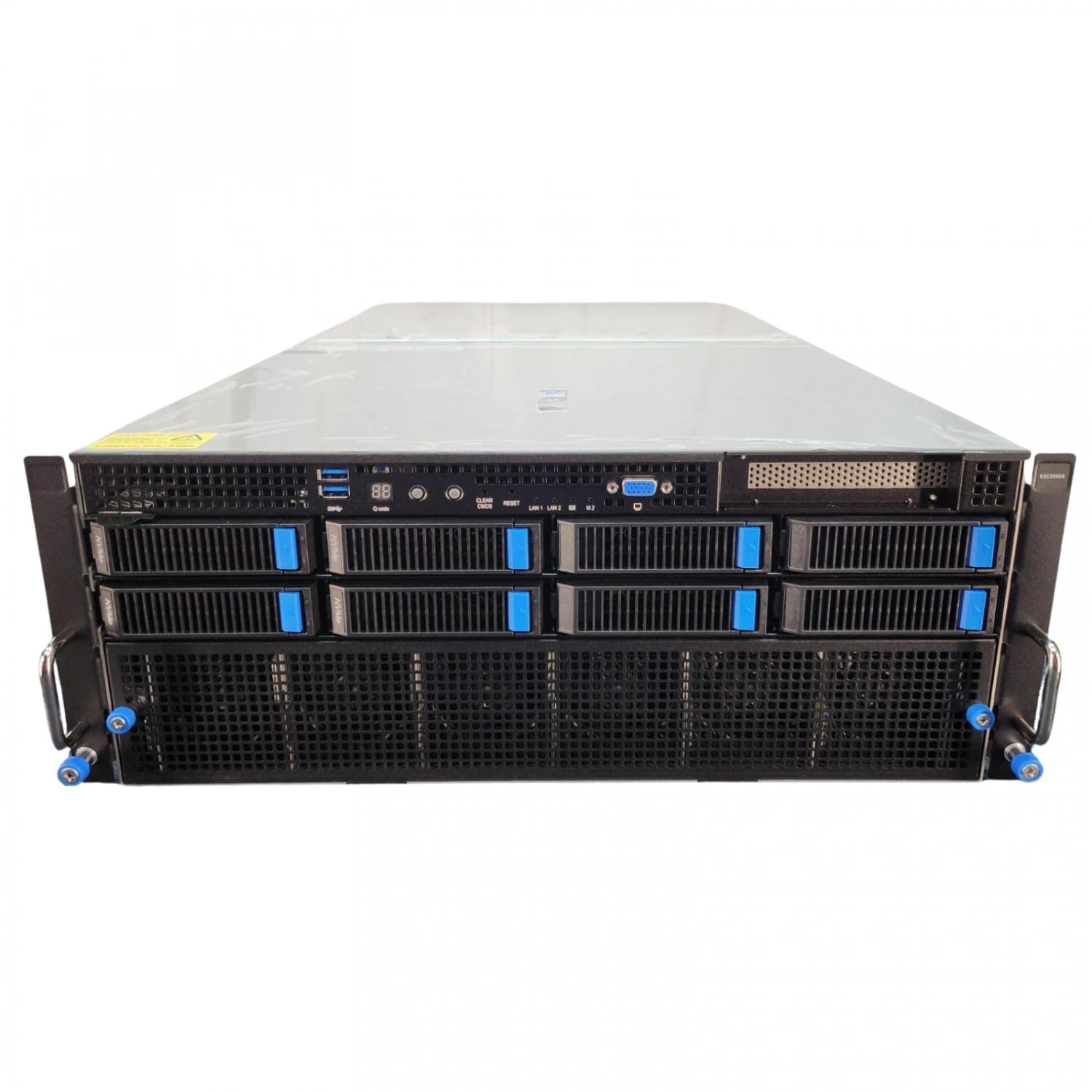
| Enterprise GPU | ASUS ESC8000A-E12P | Dual-Loop Liquid | Max Uptime / Density |
| Workstation GPU | PNY RTX PRO 6000 Blackwell | Max-Q Air/Liquid Hybrid | Performance-per-Watt |
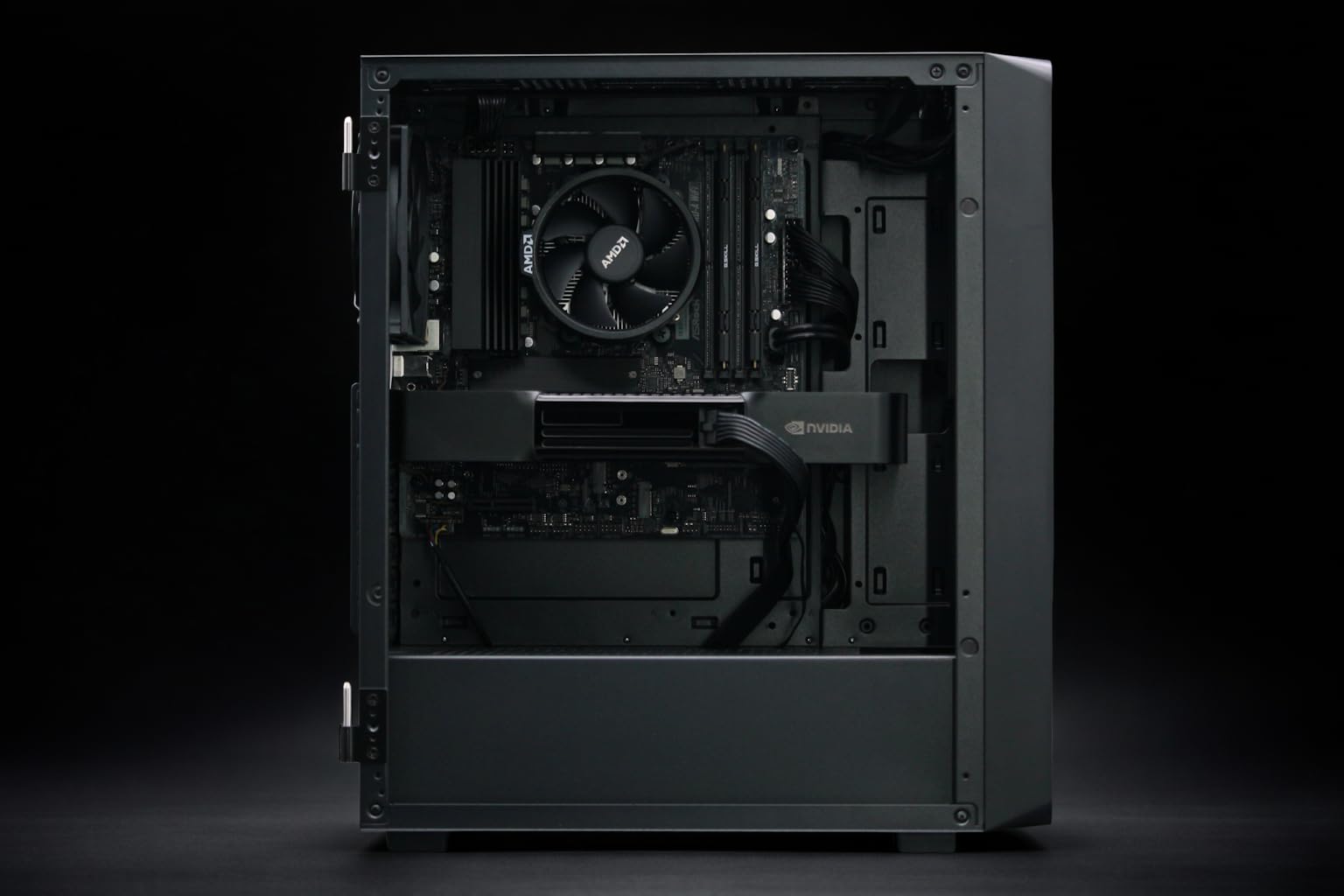
| Professional AI PC | Adamant Custom 12-Core | AIO Liquid Cooled | Local Dev Longevity |
| DevOps Node | BoxGPT AI Workstation (64GB) | Filtered Airflow | Ease of Maintenance |
§Networking: The hidden radiator
200GbE and 400GbE networking gear in 2026 is effectively a specialized computer in its own right. The transceivers (QSFP-DD and OSFP) generate significant heat precisely where airflow is most restricted. In a Blackwell rack, the network fabric is the heartbeat; if a leaf switch or a NIC on an NVIDIA H200 NVL node overheats, the entire parallel processing job stutters.
CTOs should look for servers that support "side-band" cooling for networking slots. This ensures that even when the main GPU fans are replaced by liquid blocks, a secondary, low-RPM airflow path remains active for the interconnects.
§Storage strategies for 2026 clusters
NVMe storage has become a primary heat contributor. In systems like the BoxGPT AI Workstation, we see 2TB and 4TB Gen5 drives that can reach 70°C in seconds during a massive dataset ingestion.
To mitigate this, many 2026 designs are moving NVMe slots to the front of the chassis, directly in the path of intake air, rather than burying them near the CPU or high-VRAM GPUs. This "Perimeter Storage" philosophy is essential for maintaining the Blackwell rack TCO efficiency.
§Bottom line: The verdict for 2026 infrastructure
The era of "cooling only the hot chips" is over. To maximize Blackwell rack TCO efficiency, your engineering team must treat the rack as a single thermal ecosystem.
If you are building for massive scale, prioritize systems like the ASUS ESC8000A-E12P which are already engineered for the realities of high-density AI. For local development where liquid cooling may be overkill, the Adamant Custom Liquid Cooled Workstation offers a balanced approach by cooling the CPU/GPU while maintaining enough chassis airflow for the NVMe drives.
Don't let a $500 NIC throttle your $2 million compute cluster. Address the Storage-Networking Thermal Paradox now, or pay for it in every subsequent cloud invoice.
FAQ
How does liquid cooling affect the TCO of a Blackwell cluster?
While liquid cooling hardware has a higher upfront cost, it significantly lowers the TCO by reducing fan power consumption and allowing for higher rack density. By running GPUs like the PNY RTX PRO 6000 Blackwell at lower, consistent temperatures, you extend the hardware's lifespan and reduce thermal-induced clock speed variability.
Why is 200GbE networking so sensitive to Blackwell's heat?
Modern high-speed transceivers are incredibly dense and sit right at the edge of the server chassis. In liquid-cooled racks, the lack of traditional high-velocity exhaust air means these transceivers can "cook" in their own heat, leading to dropped packets and increased latency which kills AI training performance.
Can I run Blackwell GPUs in a standard air-cooled server?
Yes, but with caveats. Cards like the PNY NVIDIA RTX 6000 ADA are designed for a standard thermal envelope, but as you move to Blackwell-class power draws, you will likely need to de-rate the density of your rack (fewer servers per rack) to keep air temperatures manageable, which negatively impacts TCO.
Heads up: AI Hardware Hub may earn a commission when you buy through links on this page. We only recommend gear we'd run ourselves. Check out our latest benchmarks to see how these systems perform in real-world LLM training.