In the race to deploy Blackwell-class silicon, the industry has become obsessed with FLOPS while ignoring the physics of the rack. As we move into 2026, the real bottleneck for high-density AI clusters isn't just GPU thermal management—it’s the systemic heat soak from 200GbE networking and ultra-fast NVMe storage. To optimize Blackwell rack TCO infrastructure, enterprise CTOs must pivot toward integrated liquid cooling or risk losing 30% of their theoretical compute to I/O-induced thermal throttling.
Heads up: AI Hardware Hub may earn a commission when you buy through links on this page. We only recommend gear we'd run ourselves.
§The Blackwell thermal wall: More than just GPUs
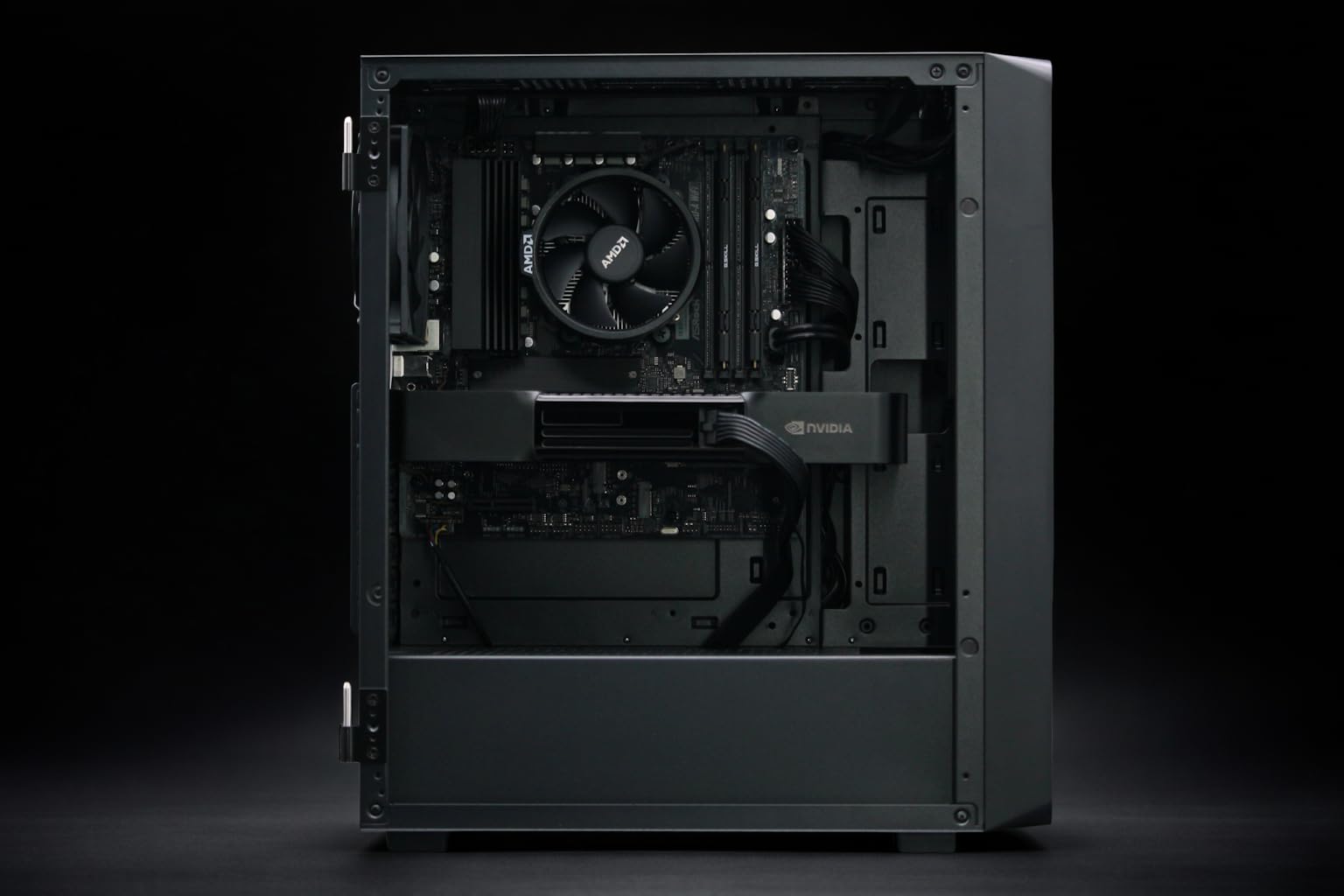
The shift to the Blackwell architecture has brought unprecedented power requirements. While a standalone workstation like the BoxGPT AI Workstation, RTX PRO 6000 Blackwell, 96GB VRAM, Ryzen 9900X, 256GB DDR5, 2TB NVMe can manage its thermals through sophisticated air or closed-loop cooling, data center racks are a different beast entirely.
When you pack dozens of cards like the PNY Technology VCNRTXPRO6000BQ-PB NVIDIA RTX PRO 6000 Blackwell Max-Q Workstation Graphics Card into a multi-node cluster, the heat doesn't stay localized. It bleeds. Specifically, it bleeds into the 200GbE NICs and the Gen5/Gen6 NVMe trays that sit directly in the exhaust path. If your networking optics hit 70°C, packet loss spikes. If your NVMe controller throttles, your benchmarks drop off a cliff because the GPUs are starved for data.
§Why 200GbE networking needs a cold plate
We’ve spent a decade liquid-cooling CPUs and GPUs, but the networking stack has remained largely air-cooled. In 2026, that’s a liability. A fully loaded 200GbE (or upcoming 400GbE) switch fabric generates significant concentrated heat.
When the PNY NVIDIA RTX 6000 ADA was the gold standard, air cooling was manageable. But Blackwell’s density requires a rethink. Integrating the networking fabric into the liquid loop (DLC - Direct Liquid Cooling) reduces the fan power of the rack by up to 15%. More importantly, it ensures consistent latency. In AI training, where all-reduce operations happen across thousands of nodes, a single "hot" switch can delay the entire synchronized training step.
§The NVMe storage bottleneck: Gen5 and beyond
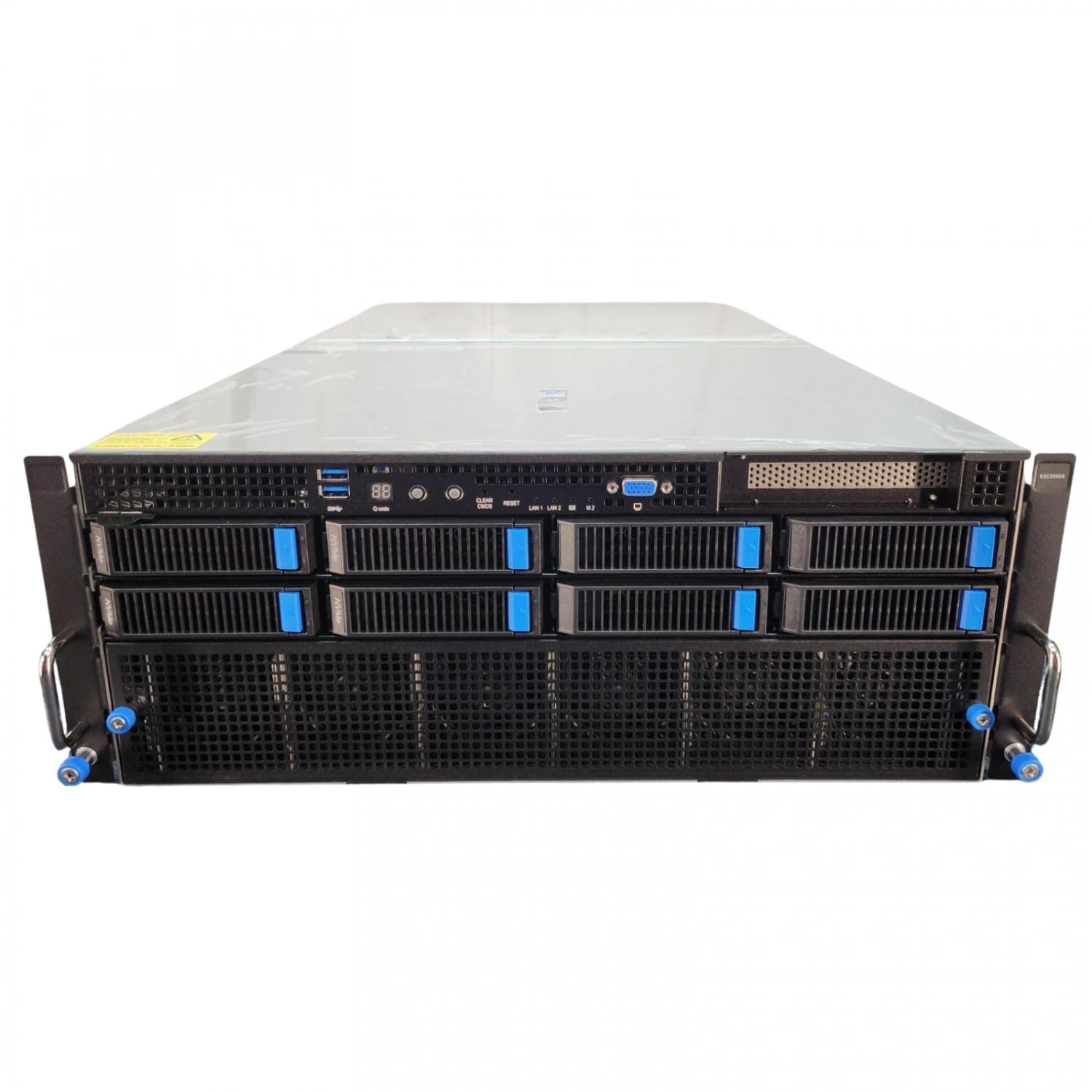
Modern AI workloads are incredibly I/O intensive. Whether you're running a massive training job on an ASUS Dual AMD EPYC 9004 Series 4U GPU Server (ESC8000A-E12P) with 2x NVIDIA H200 NVL 141GB GPUs or a local fine-tuning task on an Adamant Custom 16-Core AI Workstation - 192GB RAM | 8TB SSD, the storage must keep up.
- Controller Throttling: Gen5 NVMe drives can hit 80°C in seconds under sustained read/write loads.
- Data Integrity: High heat increases the risk of bit rot, requiring more aggressive (and performance-sapping) ECC cycles.
- Rack Placement: Traditionally, storage is at the front or bottom, but in tight Blackwell racks, stagnant air pockets create "death zones" for flash memory.
§Comparing thermal management strategies
Choosing the right infrastructure involves balancing initial CapEx with long-term OpEx. Here is how the current 2026 standards stack up.
| Strategy | Performance Stability | Infrastructure Complexity | TCO Impact (3-Year) |
|---|---|---|---|
| Traditional Air | Moderate (Frequent Throttling) | Low | High (Due to cooling energy) |
| Hybrid Liquid/Air | High | Medium | Balanced |
| Full DLC (Direct Liquid) | Maximum | High | Low (High Efficiency/Density) |
| Immersion Cooling | Extreme | Very High | Lowest (but fixed capacity) |
§Moving from A100 to Blackwell: A cautionary tale
Many enterprise leads are still trying to reuse infrastructure designed for the A100 80GB Graphics Card - 80 GB HBM2e ECC. This is a mistake. The thermal density per rack unit has tripled. If you aren't upgrading your AI Workstations or AI GPUs with a holistic view of the cooling loop, your "Blackwell upgrade" will be capped by your existing cooling's incapacity to handle 100kW+ racks.
By shifting storage and networking to the liquid loop, you regain the "thermal margin" needed to run Blackwell at its max boost clock reliably. This isn't just about performance; it’s about longevity. Silicon degradation is non-linear—every 10°C drop in operating temperature can significantly extend the MTBF (Mean Time Between Failure) of your most expensive assets.
FAQ
Does Blackwell require liquid cooling for all deployments?
No, for single-node systems or lower-density workstations, high-airflow chassis can still manage. However, for any rack-scale deployment aiming for optimal Blackwell rack TCO infrastructure, liquid cooling is becoming a functional requirement to prevent interconnect throttling.
How does networking heat affect AI training times?
AI training relies on synchronous communication. If one networking switch heats up and starts dropping or delaying packets (link-level flow control), the GPUs in the entire cluster sit idle waiting for data. This "tail latency" caused by heat can extend training times by 20% or more.
Can I retrofit my existing racks for Blackwell?
It’s difficult. Most Blackwell-ready racks require manifold systems for liquid delivery and much higher power delivery (often moving to 415V/480V). It’s usually more cost-effective to deploy specialized AI pods rather than retrofitting legacy data center rows.
§The Bottom Line
The days of treating storage and networking as "secondary" heat sources are over. In 2026, the success of a Blackwell deployment is measured by the stability of its I/O, not just the raw teraflops of its GPUs. If you're building out a new cluster, mandate a liquid-cooled path for your NICs and NVMe drives. Your TCO—and your ML engineers—will thank you.
Heads up: AI Hardware Hub may earn a commission when you buy through links on this page. We only recommend gear we'd run ourselves.