For a long time, the barrier between professional ML deployment and local experimentation was defined by the memory wall. You either paid the "enterprise tax" for High Bandwidth Memory (HBM) or watched your token-per-second (t/s) rates crawl on consumer hardware. With the arrival of 2026’s flagship silicon, that wall is finally crumbling, as GDDR7 LLM inference optimization allows developers to achieve near-enterprise speeds on local workstations.
By leveraging 32GB GDDR7 modules found in the latest consumer flagships alongside aggressive quantization kernels, ML engineers can now run 70B+ parameter models with the kind of low-latency responsiveness previously reserved for H200 NVL systems.
Heads up: AI Hardware Hub may earn a commission when you buy through links on this page. We only recommend gear we'd run ourselves.
§The GDDR7 vs. HBM3e bandwidth gap in 2026
To understand why this shift matters, we have to look at the numbers. HBM3e, used in the ASUS ESC8000A-E12P server, provides nearly 5 TB/s of bandwidth. It’s the gold standard for massive LLM clusters. However, the new 32GB GDDR7 interface on cards like the ASUS ROG Astral NVIDIA GeForce RTX 5090 has pushed consumer throughput past the 1.5 TB/s mark.
While HBM3e is technically faster, GDDR7’s vastly increased clock speeds and efficiency mean that for single-node inference, the "bottleneck" has moved. The hardware is no longer the primary constraint; the way we fit the model weights into that VRAM is.

§Why 32GB VRAM is the new "Sweet Spot" for developers
Previous generations left developers stranded at 24GB, forcing awkward splits of 70B models across multiple GPUs. The 32GB capacity of the ZOTAC GeForce RTX 5090 Solid OC changes the math for state-of-the-art (SOTA) models.
- Unquantized 8B-14B models: Run entirely in memory with massive KV-cache windows for long-context windows (up to 128k tokens).
- Quantized 70B models: Using 4-bit (GGUF or EXL2) formats, a 70B Llama-4 or equivalent fits onto a single 32GB card with room for a moderate context buffer.
- Enterprise Prototyping: Allows for local testing of "Blackwell-class" workloads without renting cloud H100s.
For those who need even more headroom, the PNY NVIDIA RTX PRO 6000 Blackwell offers 96GB of VRAM, but for cost-effective development, the GDDR7 consumer cards provide the fastest iteration cycle per dollar.
§Optimizing for GDDR7: The Developer-to-Device workflow
Maximizing GDDR7 LLM inference optimization requires more than just high clock speeds. You need to align your quantization strategy with the architecture’s improved bus width. In 2026, the industry has moved toward 4-bit and 6-bit Marlin kernels, which are specifically tuned to maximize the throughput of GDDR7's signaling.
If you’re running a NOVATECH Apex WS9985X AI Workstation, you have enough PCIe 5.0 lanes to sustain high-speed data transfer between the CPU and your RTX 5090. To bridge the gap to enterprise HBM3e performance, try these three steps:
- Use Flash Attention 3: Ensure your environment is compiled with support for the latest kernels that utilize the asynchronous data movement features of GDDR7.
- K-Quants for Context: Don't just quantize the weights. Use 4-bit KV cache quantization to keep your context window from consuming the 32GB VRAM limit too quickly.
- Tiered Inference: Use local tools like Ollama or vLLM to pin the most active layers of the transformer block to the GDDR7 VRAM, offloading only the overflow to your DDR5-6600 system RAM.
Hardware Comparison: GDDR7 vs. Enterprise HBM
| Feature | Consumer Flagship (RTX 5090) | Mid-Range Workstation (RTX 5080) | Enterprise Server (H200 NVL) |
|---|---|---|---|
| Memory Type | GDDR7 | GDDR7 | HBM3e |
| Capacity | 32GB | 16GB | 141GB |
| Typical Product | ZOTAC RTX 5090 Solid OC | ASUS ROG Astral RTX 5080 | ASUS ESC8000A-E12P |
| Primary Use | 70B Model Inference | 8B-14B RAG Chains | Multi-user LLM Training |
| Approx. Bandwidth | 1.5 - 1.8 TB/s | 1.0 - 1.2 TB/s | 4.8+ TB/s |
§Building the local bridge: Pre-built vs. Custom
Not every developer wants to deal with driver conflicts and thermal throttling. If you're building a production-ready dev environment, pre-configured workstations offer a "it just works" experience.
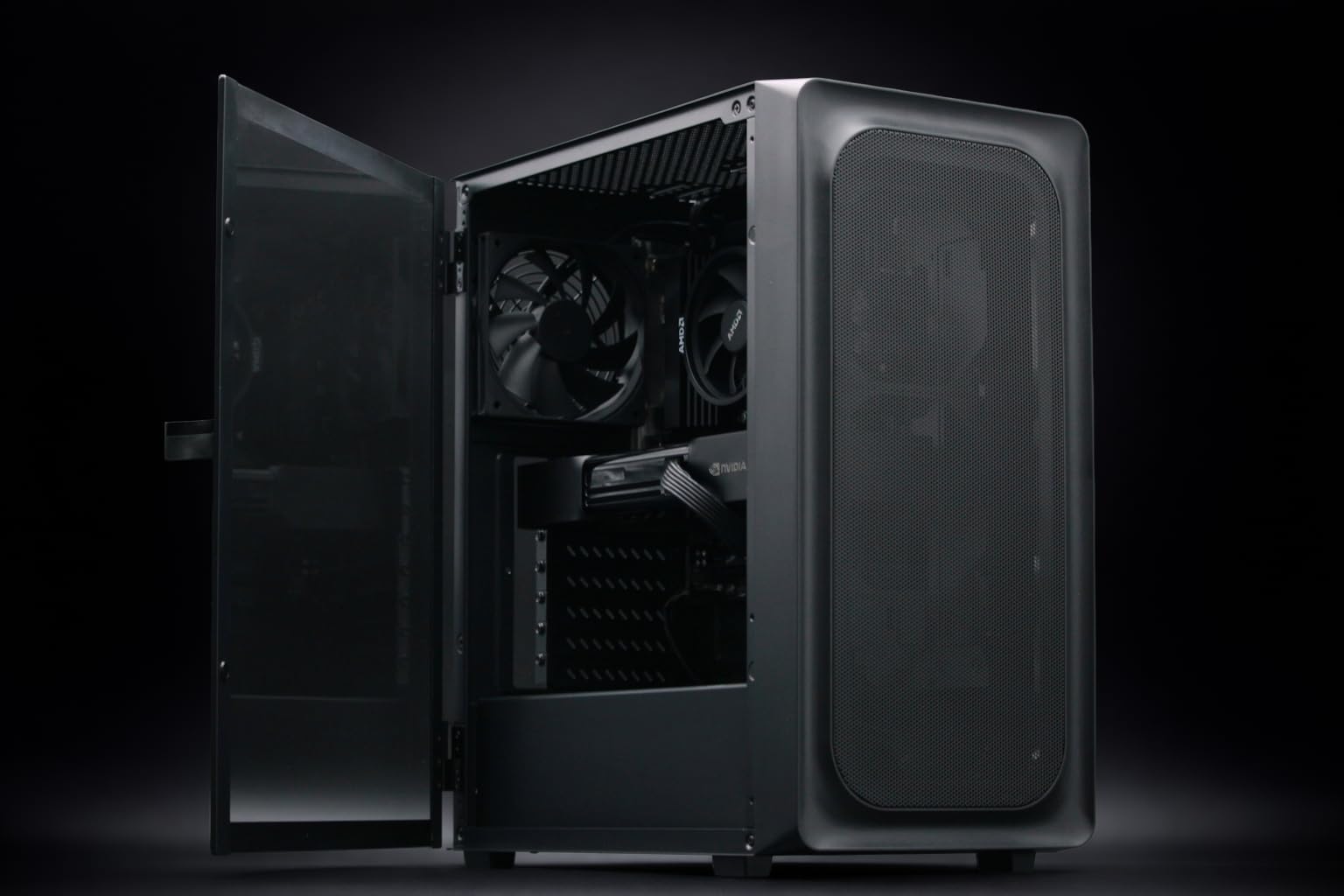
The BoxGPT AI Workstation is a prime example of an enterprise-tier bridge. By pairing the 96GB Blackwell GPU with massive system RAM, it circumvents the limitations of GDDR7 capacity by simply providing more total VRAM than three 5090s combined. However, for those on a tighter budget but seeking the speed of GDDR7, the NOVATECH Apex WS9985X utilizes a single RTX 5090 to deliver incredibly low latency on models tuned with modern quantization strategies.
§Overcoming the "16GB Trap"
It’s tempting to look at the ASUS ROG Astral NVIDIA GeForce RTX 5080 and think its GDDR7 speed is enough. While it is incredibly fast, 16GB is the "dead zone" for 2026 SOTA models. You can run small models (8B-14B) with blistering speed, reaching over 200 t/s, but you'll hit a hard wall the moment you try to run a high-reasoning 70B or 400B model. If your goal is true GDDR7 LLM inference optimization, the 32GB of a 5090 is effectively a mandatory upgrade. Check our benchmarks to see how the 16GB cards fall off in long-context scenarios compared to their 32GB counterparts.
§The Bottom Line
You no longer need a $70,000 ASUS dual H200 server to experience professional-grade inference speeds. By selecting a high-bandwidth 32GB GDDR7 card—like the ZOTAC RTX 5090 Solid OC—and applying modern quantization techniques, you can achieve single-user token rates that rival HBM3e systems.
The future of local AI isn't about having the most VRAM; it's about having the most efficient pipeline to the VRAM you have. GDDR7 is that pipeline.
FAQ
Can I run Llama-4 70B on a single 32GB GDDR7 card?
Yes. Using 4-bit quantization (such as EXL2 or GGUF), a 70B model typically requires 35-40GB at full precision, but fits comfortably at ~24-28GB with 4-bit weights, leaving nearly 4GB for your KV cache and system overhead on a 32GB card like the ASUS ROG Astral RTX 5090.
Is GDDR7 significantly better for AI than GDDR6X?
Absolutely. GDDR7 introduces PAM3 signaling, which allows for much higher data transmission per clock cycle. For ML tasks, this means reduced latency during the "prefill" stage of inference and higher token throughput during the "generation" stage, narrowing the gap between consumer and enterprise AI GPUs.
Should I buy two RTX 5080s or one RTX 5090 for AI?
Always go for the single card with the largest VRAM pool first. While two ASUS ROG Astral RTX 5080s technically give you 32GB, you’ll lose performance to the interconnect bottleneck (PCIe) when the model layers are split. A single 32GB card is always faster for inference than a split dual-card setup of equal total memory.
Heads up: AI Hardware Hub may earn a commission when you buy through links on this page. We only recommend gear we'd run ourselves.