The tension between consumer availability and professional necessity has reached a breaking point in 2026. As state-of-the-art (SOTA) open-source models push toward the 100B-400B parameter range, the hardware requirements for local inference have split the developer community into two camps: those betting on the blistering speeds of consumer GDDR7 and those anchored to the massive capacity of enterprise HBM3e.
If you’re trying to run a sub-4-bit quantized version of a 100B+ model, the math is unforgiving. You can either slice your model across multiple consumer cards and pray for bandwidth efficiency, or invest in a single enterprise Blackwell chip that can swallow the weights whole. This guide dissects the performance gap between GDDR7 vs HBM3e for AI inference to help you decide where to put your capital.
Heads up: AI Hardware Hub may earn a commission when you buy through links on this page. We only recommend gear we'd run ourselves.
§The GDDR7 reality check: Speed vs. space
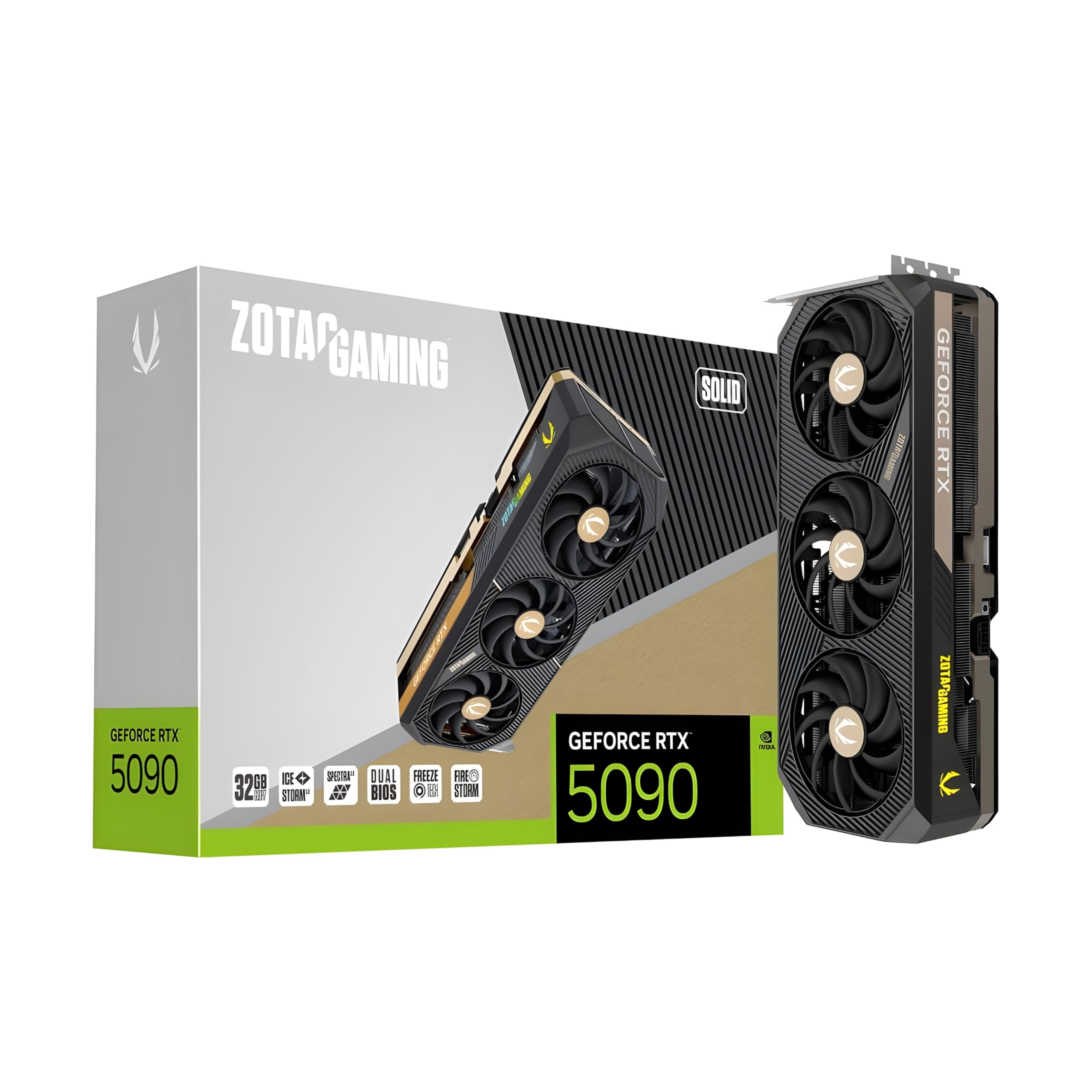
The arrival of the ZOTAC Gaming GeForce RTX 5090 Solid 32GB GDDR7 Reflex 2 RTX AI DLSS4 has changed the game for small-to-medium model inference. GDDR7 offers a massive leap in memory bandwidth over the previous generation, which translates directly to tokens-per-second (t/s) for models that actually fit on the card.
However, the 32GB ceiling is a hard limit. Even with aggressive 4-bit quantization (K-Quants), a 70B model barely fits, leaving almost no room for long context windows or KV cache. For developers building RAG (Retrieval-Augmented Generation) pipelines, that 32GB disappears faster than you’d think. If you're building a high-end AI workstation, you’re often looking at NVLink or PCIe scaling just to stay relevant.
§Why HBM3e remains the king of the datacenter
While GDDR7 is fast, HBM3e (High Bandwidth Memory) is a different beast entirely. Found in cards like the H200 and the upcoming Blackwell enterprise variants, HBM3e provides terabytes of bandwidth per second. But more importantly, it allows for massive capacity on a single PCB.
When you step into the PNY Technology VCNRTXPRO6000BQ-PB NVIDIA RTX PRO 6000 Blackwell Max-Q, you aren't just buying speed; you're buying a 96GB VRAM buffer. This allows for running 100B+ models at higher precision with room to spare for massive 128k context windows.
Why the memory architecture matters:
- GDDR7: Optimized for high clock speeds and cost-efficiency. It uses a traditional bus on the PCB, which is great for gaming and 7B-30B model fine-tuning.
- HBM3e: Uses a stacked-die architecture connected via a silicon interposer. This reduces physical distance and power consumption while enabling the massive 80GB-141GB capacities seen in enterprise gear.
- Latency vs. Throughput: GDDR7 thrives on high-throughput tasks, but HBM3e’s lower latency and massive bus (often 4096-bit or higher) make it superior for multi-user inference on large models.
§Comparing the heavy hitters
Choosing between a consumer RTX 5090 and a professional RTX 6000 Blackwell depends entirely on your model size and budget.
| Feature | RTX 5090 (GDDR7) | RTX PRO 6000 Blackwell (HBM3e/GDDR7 Mix*) | A100 80GB (HBM2e) |
|---|---|---|---|
| VRAM Capacity | 32GB | 96GB | 80GB |
| Primary Use | Local Dev / Small Models | Enterprise LLM Inference | Data Center Training |
| MSRP (Approx.) | $4,199 | $13,522 | $3,979 (Used/Refurb) |
| Best For | 7B - 34B Models | 70B - 120B Models | 70B Models (Legacy) |
*Note: Some Blackwell workstation cards utilize ultra-dense GDDR7 layouts, while server-class H-series chips stick to HBM3e. Check benchmarks for specific per-model throughput.
§The workstation sweet spot: Pre-built LLM servers
For many ML engineers, the "Frankenstein" PC approach—stuffing four 5090s into a chassis—is a cooling nightmare. This is where pre-configured units like the BoxGPT AI Workstation with RTX PRO 6000 Blackwell come in.
With 96GB of VRAM and a Ryzen 9900X, this setup bypasses the "performance gap" by providing enough unified VRAM to run SOTA models without the quantization penalties that destroy logic and reasoning capabilities in sub-4-bit models.
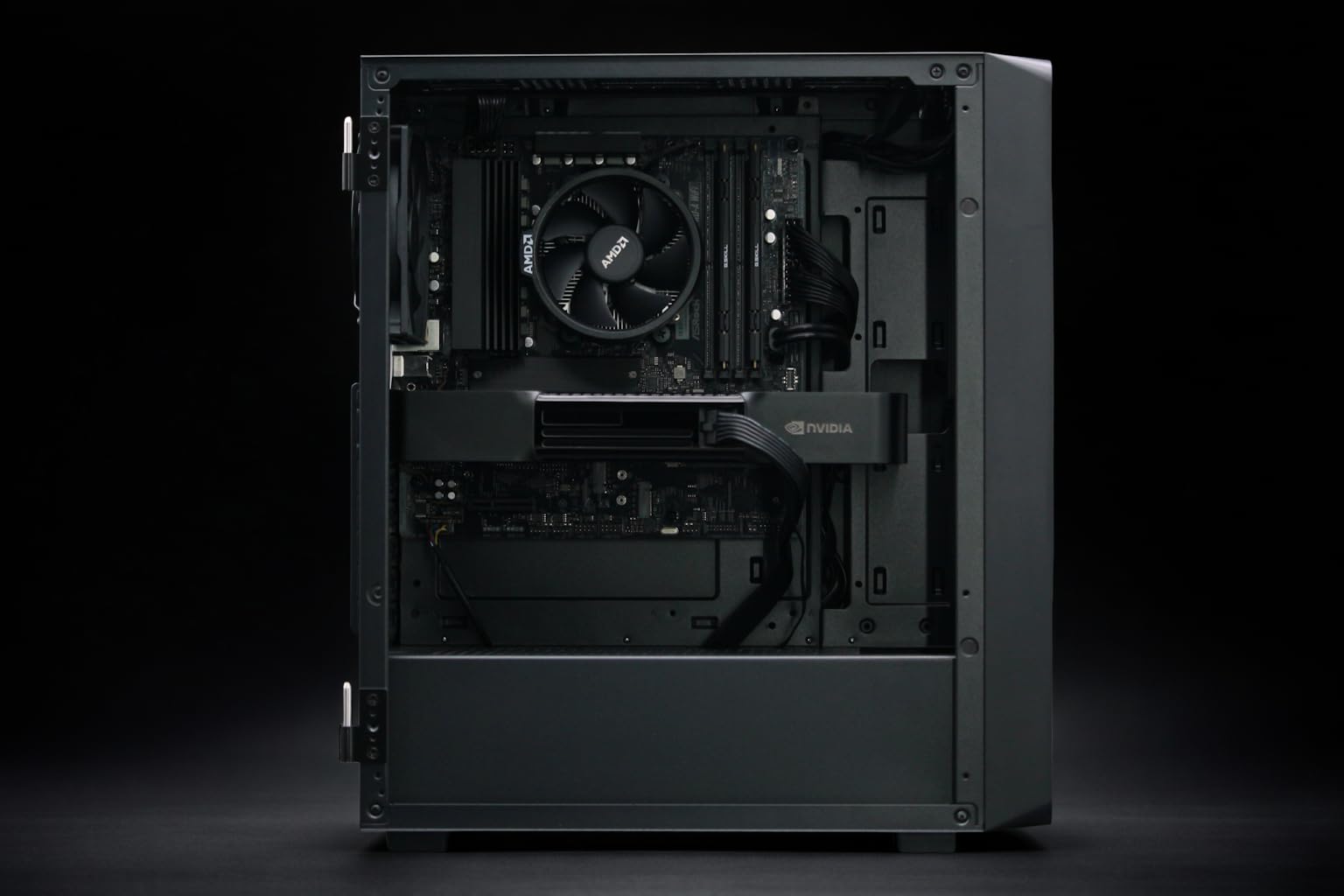
If 96GB is overkill for your current project, the BoxGPT AI Workstation with RTX PRO 5000 offers 48GB of VRAM. This is the "Goldilocks" zone for 2026: enough to run a 70B model at Q4_K_M comfortably with a decent context length.
§Can you "survive" on the RTX 5090?
The short answer is yes, but only if you’re a developer who specializes in small, efficient models or architectural research. If your goal is to run a local "daily driver" LLM that rivals GPT-4o or Claude 3.5 Sonnet, a single RTX 5090 isn't going to cut it for the 100B+ parameter versions.
You’ll encounter the performance gap as soon as you try to offload layers to system RAM. Even with 256GB of DDR5 6600 MHz, the bottleneck between the CPU and GPU will drop your inference speed from 60 t/s to a painful 2 t/s. In 2026, it's "all-on-VRAM or nothing."
§Stepping up to enterprise clusters
For labs and startups, ASUS Dual AMD EPYC servers with H200 NVL 141GB GPUs are the benchmark. These systems operate entirely on HBM3e and provide the kind of memory bandwidth needed for real-time fine-tuning. While a consumer card might take days to fine-tune a Llama-4-70B variant, these systems do it in hours.
If you are strictly doing inference, a mix of PNY NVIDIA RTX 6000 ADA cards can be a more cost-effective way to stack 48GB buffers. Though based on the older Ada architecture, they remain a staple for high-density AI GPU clusters where raw gigabytes matter more than the latest GDDR7 clock speeds.
FAQ
Is GDDR7 better than HBM3e for gaming?
Yes, GDDR7 is optimized for the high-frequency, varying workloads of gaming and is significantly cheaper to produce. However, for AI, HBM3e's massive bus width and efficiency make it the superior (though much more expensive) choice.
Can I mix GDDR7 and HBM3e cards in one workstation?
You can, but they won't "talk" to each other effectively. Each card will manage its own VRAM. If you're using a model loader like Ollama or llama.cpp, it can split the model across both, but the overall speed will be limited by the slowest card and the PCIe interconnect.
Do I need a Blackwell GPU for 2026 models?
Highly recommended. SOTA models in 2026 are increasingly taking advantage of FP4 and FP6 precision modes native to the Blackwell architecture. Running these on older Ampere A100 80GB cards works, but you'll lose the efficiency gains of the newer Tensor Cores.
§The verdict
If you are an individual developer or hobbyist, the ZOTAC RTX 5090 32GB is the best "speed for your dollar" card ever made. At $4,199, it's a powerhouse for small-scale development.
But for the professional ML engineer tasked with running 100B+ parameter models locally, the workstation-class Blackwell cards aren't a luxury—they’re a requirement. The gap between GDDR7 and HBM3e isn't just about speed; it's about the ability to run the world's most intelligent models without lobotomizing them through extreme quantization.
Heads up: AI Hardware Hub may earn a commission when you buy through links on this page. We only recommend gear we'd run ourselves.