Running state-of-the-art models like Llama-4 and the latest DeepSeek MoE variants requires a cold-eyed look at memory bandwidth versus total capacity. While enterprise HBM3e systems offer unrivaled throughput for multi-tenant training, the emergence of GDDR7 on the consumer market has significantly narrowed the performance gap for local inference and fine-tuning. For the modern ML engineer, the choice between GDDR7 and HBM3e isn't just about budget—it's a tactical decision regarding quantization depth and token-per-second requirements.
Heads up: AI Hardware Hub may earn a commission when you buy through links on this page. We only recommend gear we'd run ourselves.
§The bandwidth wall: Understanding the GDDR7 vs HBM3e for Llama-4 divide
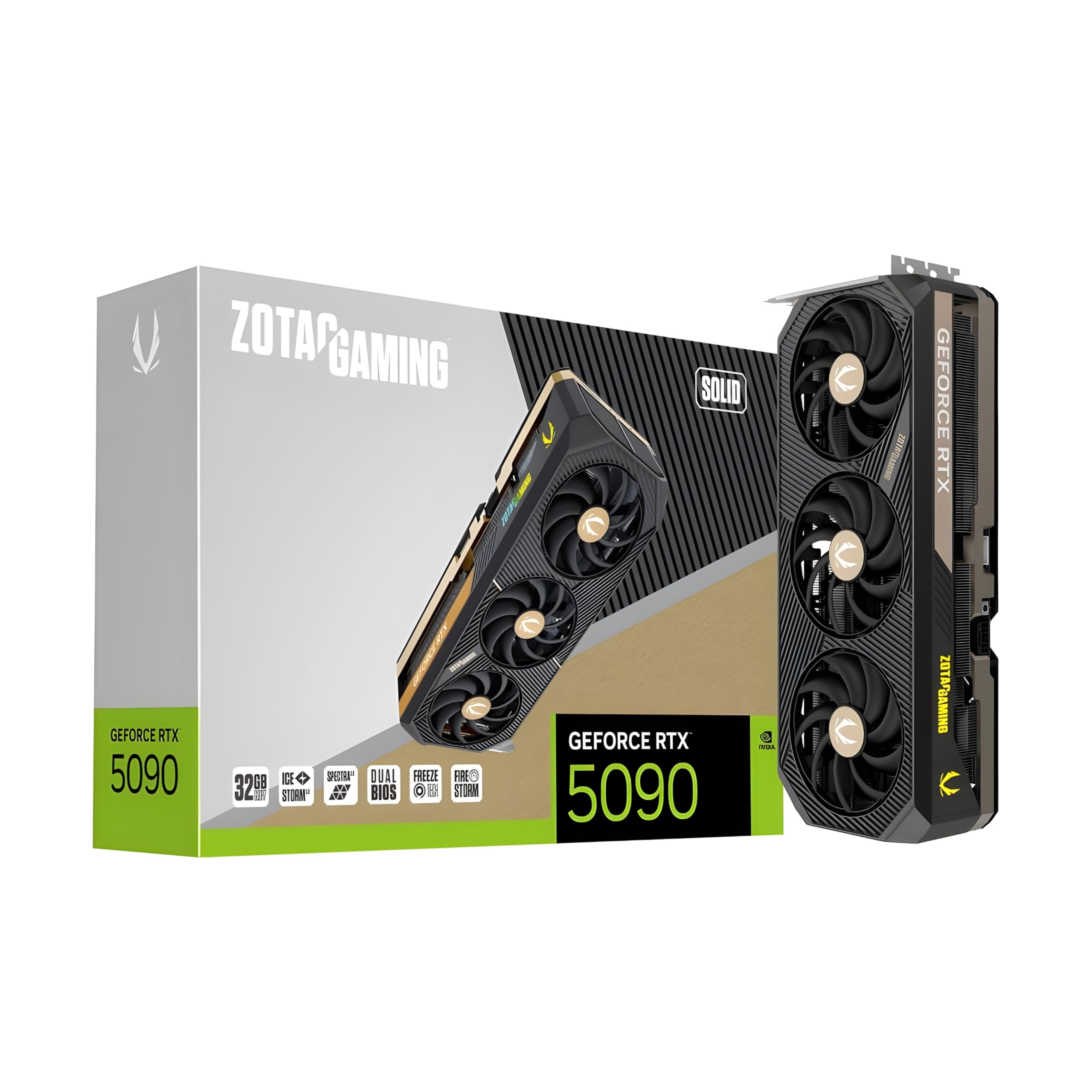
In 2026, the primary bottleneck for inference isn't compute cycles; it's the speed at which your GPU can pull weights from VRAM. High Bandwidth Memory (HBM3e), found in flagship enterprise accelerators like the H200 or the B200, uses a stacked architecture to reach bandwidths exceeding 4.8 TB/s. Conversely, the new GDDR7 standard found in cards like the ZOTAC Gaming GeForce RTX 5090 Solid 32GB GDDR7 Reflex 2 RTX AI DLSS4 utilizes pulse-amplitude modulation (PAM3) to push bandwidth significantly higher than the previous generation, yet it still trails enterprise silicon by a wide margin.
For developers, this creates a "quantization tax." If you are running a dense Llama-4 70B model, an HBM3e-equipped card can often run the model at FP16 or INT8 without breaking a sweat on tokens-per-second (TPS). On a GDDR7 card, however, you’ll need to utilize 4-bit or even 3.5-bit quantization (GGUF/EXL2) to keep your prompt processing speeds snappy.
§Quantization targets for RTX 50-series and GDDR7
The jump to 32GB of GDDR7 on the RTX 5090 is a game-changer for local development. However, the bandwidth gap persists. To maintain production-grade inference speeds (above 40 TPS), developers should aim for the following targets:
- INT8 Quantization: Best for Llama-4 81B or smaller. This preserves nearly all logic and reasoning capabilities while fitting comfortably within the 32GB buffer of a single high-end consumer card.
- FP8 (OOTB): Native support for FP8 in the Blackwell architecture makes this the "goldilocks" zone. It offers a better accuracy/perplexity trade-off than INT8 for most transformer-based models.
- 4-bit (AWQ/GPTQ): Essential for running larger DeepSeek models on single-node setups. While GDDR7 is fast, 4-bit weights allow for a much larger KV cache, which is vital for long-context windows (128k+ tokens).
- Multi-GPU KV Caching: For those using AI workstations, splitting the model across two cards via NVLink-like interconnects is less necessary for capacity than it was in the 24GB era, but it's still preferred for increasing total memory bandwidth.
§Comparing consumer GDDR7 vs. Enterprise HBM3e
| Feature | Consumer (GDDR7) | Enterprise (HBM3e) |
|---|---|---|
| Example Hardware | ZOTAC RTX 5090 32GB | ASUS Server (2x H200 NVL) |
| Typical Bandwidth | 1.5 - 2.0 TB/s | 4.8+ TB/s |
| Max Capacity per Chip | 32GB | 141GB - 192GB |
| Optimized Precision | FP8 / INT8 | FP16 / FP8 |
| Best Use Case | Local R&D, Prototype Inference | LLM Pre-training, Enterprise Scale-out |
| Price Range | $4,000 - $6,000 | $30,000 - $80,000+ |
§Bridging the gap: Workstation strategies
If your team is bridging the gap between a local sandbox and a cloud production environment, choose a machine that mimics the memory layout of your target server. For instance, the BoxGPT AI Workstation utilizes the PNY RTX PRO 6000 Blackwell Max-Q. While it doesn't use HBM3e, its massive 96GB VRAM buffer allows you to run models at higher precision than consumer cards, essentially simulating the logic performance of an enterprise node at a fraction of the power and cost.
For heavy-duty local training where memory errors are unacceptable, users still look to older but reliable architectures like the A100 80GB HBM2e. Despite being slower than the newest GDDR7 in raw clock speed, the ECC (Error Correction Code) and high-speed memory bus make it more stable for long-running LoRA training sessions.
§Engineering workflows for Llama-4 and DeepSeek
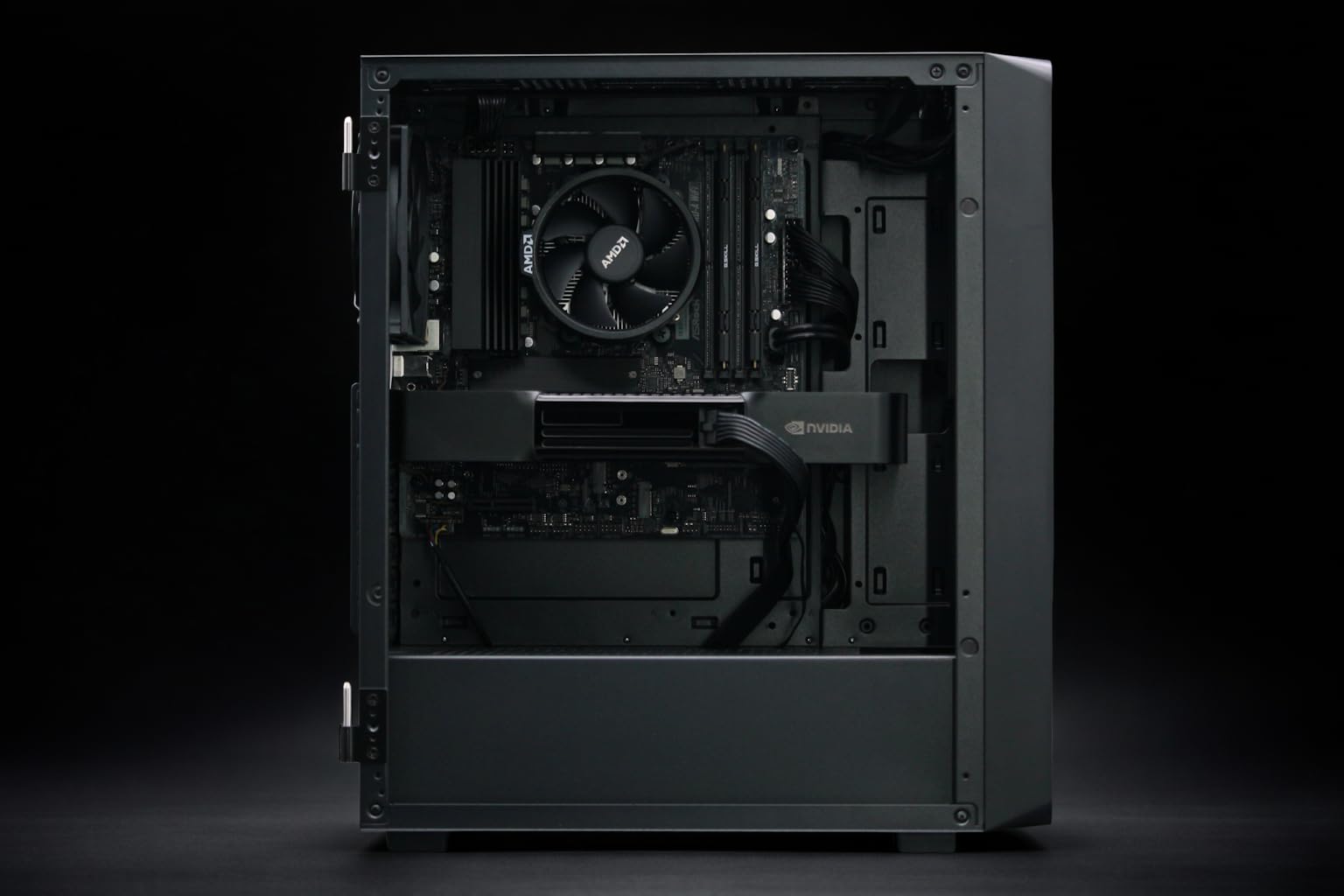
When deploying Llama-4 locally, your software stack choice is as important as the silicon. Native Blackwell support in libraries like vLLM and AutoAWQ ensures that you are utilizing the specialized tensor cores on cards like the PNY NVIDIA RTX 6000 ADA or the newer RTX 50-series.
- Benchmarking: Always run a benchmarking suit to find your specific "tokens per second per watt" sweet spot. Memory bandwidth on GDDR7 fluctuates under heavy heat loads; ensure your cooling (like IceStorm 3.0) is configured for a flat fan curve.
- KV Cache Management: DeepSeek models utilize MoE (Mixture of Experts), where only a fraction of weights are active at any time. This makes memory latency as important as bandwidth. GDDR7's low latency is an advantage here over the slightly slower access times of previous HBM versions.
- Offloading Strategies: Even with 32GB on the RTX 5090, Llama-4 400B+ models will require system RAM offloading. If you're building a custom rig, pair your GPU with high-speed DDR5, as seen in the NOVATECH Apex WS9985X AI Workstation, which features 256GB of DDR5 6600 MHz memory.
§FAQ
Is GDDR7 enough for Llama-4 70B inference?
Yes, but you will likely need to use 4-bit or 5-bit quantization to maintain a large enough KV cache for long conversations. A card like the RTX 5090 handles this comfortably, whereas the previous generation struggled with memory pressure.
When should I choose HBM3e over GDDR7?
Choose HBM3e systems, such as the ASUS ESC8000A-E12P, if your primary goal is fine-tuning large models or if you need to serve multiple concurrent users. The higher bandwidth prevents the "bottlenecking" that occurs when multiple requests hit the VRAM bus simultaneously.
Does quantization hurt Llama-4's reasoning?
Modern quantization techniques (like FP8 and INT8) show almost zero drop-off in reasoning. Pushing down to 3-bit or lower can lead to "hallucination creep," especially in complex math or coding tasks. We recommend staying at 4-bit or higher on 32GB+ cards.
§Bottom line
The compatibility gap between consumer and enterprise gear is shrinking, but the strategy remains different. If you’re working on the edge or in a local dev environment, GDDR7-equipped cards offer the best value for local Llama-4 and DeepSeek inference, provided you embrace FP8 and 4-bit quantization. If you're running a production-level API service or training from scratch, there is still no substitute for the raw throughput of an HBM3e enterprise system.
Heads up: AI Hardware Hub may earn a commission when you buy through links on this page. We only recommend gear we'd run ourselves.