In 2026, the arrival of Llama-4 and DeepSeek-V3 has pushed local inference requirements into a new stratosphere, forcing developers to choose between the raw speed of GDDR7 and the massive bandwidth of HBM3e. For rapid experimentation and 4-bit quant testing, consumer GDDR7 cards offer the best bang-for-buck, but production-grade reasoning at high batch sizes eventually hits a hard wall that only enterprise HBM3e can scale.
Heads up: AI Hardware Hub may earn a commission when you buy through links on this page. We only recommend gear we'd run ourselves.
§The new memory paradigm: GDDR7's clock speed vs. HBM3e's massive bus
We've moved past the days where VRAM capacity was the only metric that mattered. With Llama-4’s dense architecture and DeepSeek-V3’s Mixture-of-Experts (MoE) routing, the type of memory—and how fast it can feed the GPU cores—is now the primary bottleneck for tokens-per-second (TPS).
GDDR7, found in the latest flagship consumer cards, utilizes PAM3 encoding to hit significantly higher effective clock speeds than previous generations. This makes it a beast for single-user, low-latency inference. However, enterprise-grade HBM3e (High Bandwidth Memory) takes a different approach, using vertically stacked DRAM and a massive memory bus to move terabytes of data per second.
If you are just spinning up a local instance of Llama-4 70B in 4-bit quantization to check for logic drift, GDDR7 is your best friend. But the moment you move that model to a multi-user API or start running long-context reasoning chains in FP16, the data-starved cores of a consumer card will start to idle.

§Rapid experimentation on GDDR7
For the individual ML engineer, cards like the ASUS ROG Astral NVIDIA GeForce RTX 5090 32GB GDDR7 White OC Edition Gaming Graphics Card or the ZOTAC GeForce RTX 5090 Solid OC Graphics Card are the current gold standard for experimentation.
The primary advantage here is latency. When you're running a 4-bit quantized Llama-4 model, the weights are small enough to fit within a 32GB or 64GB (dual-GPU) footprint. Because GDDR7 operates at such high frequencies, the "Time to First Token" (TTFT) is remarkably low.
Why developers are choosing GDDR7 for dev-boxes:
- Availability: You can actually buy these for a local workstation.
- Quantization Flexibility: Perfect for testing GGUF, EXL2, or AWQ quants of DeepSeek-V3.
- Clock Speed: Faster iterative loops when modifying system prompts or fine-tuning parameters.
If you're building a dedicated dev-box, the Adamant Custom 12-Core Liquid Cooled RTX 5090 Workstation combines that GDDR7 speed with enough system RAM (192GB) to handle offloading for larger model variants.
§The HBM3e threshold: When production calls
While GDDR7 is fast, it's narrow. Its bus width generally pales in comparison to the massive parallel pathways of HBM3e found on chips like the H200. In a production environment, you aren't just serving one user; you're handling concurrent requests.
This is where the memory bandwidth of HBM3e becomes "production-grade." DeepSeek-V3, in particular, benefits from HBM3e because its MoE architecture requires rapid switching between different "expert" layers. If the memory bus can't keep up, the GPU spends more time waiting for data than actually calculating.
The ASUS Dual AMD EPYC 9004 Series 4U GPU Server (ESC8000A-E12P) with 2x NVIDIA H200 NVL 141GB GPUs represents this tier. With 141GB of HBM3e per GPU, you can run Llama-4 at full precision (FP16) or serve hundreds of concurrent 4-bit users without the throughput dropping off a cliff.
§Comparison: GDDR7 vs. HBM3e for Inference
| Feature | GDDR7 (Consumer/Prosumer) | HBM3E (Enterprise) |
|---|---|---|
| Typical Capacity | 24GB - 32GB | 80GB - 141GB+ |
| Memory Bus Width | 256-bit to 384-bit | 4096-bit+ |
| Best For | 4-bit Quants, Dev, Prototype | FP16/BF16, Production, Multi-user |
| Primary Limitation | Bandwidth for high batch sizes | High cost per GB |
| Link | RTX 5090 32GB | H200 NVL 141GB |
§Bridging the gap with professional Blackwell cards
There is a middle ground for those who need more VRAM than a consumer card but don't want to spend six figures on an H-class cluster. The Blackwell workstation cards use specialized memory configurations that bridge the gap.
The PNY Technology VCNRTXPRO6000BQ-PB NVIDIA RTX PRO 6000 Blackwell Max-Q offers 96GB of VRAM. While it isn't HBM3e, the sheer capacity allows you to keep Llama-4 70B entirely in memory at higher bitrates (8-bit or FP16), avoiding the massive performance hit of PCIe offloading to system RAM.
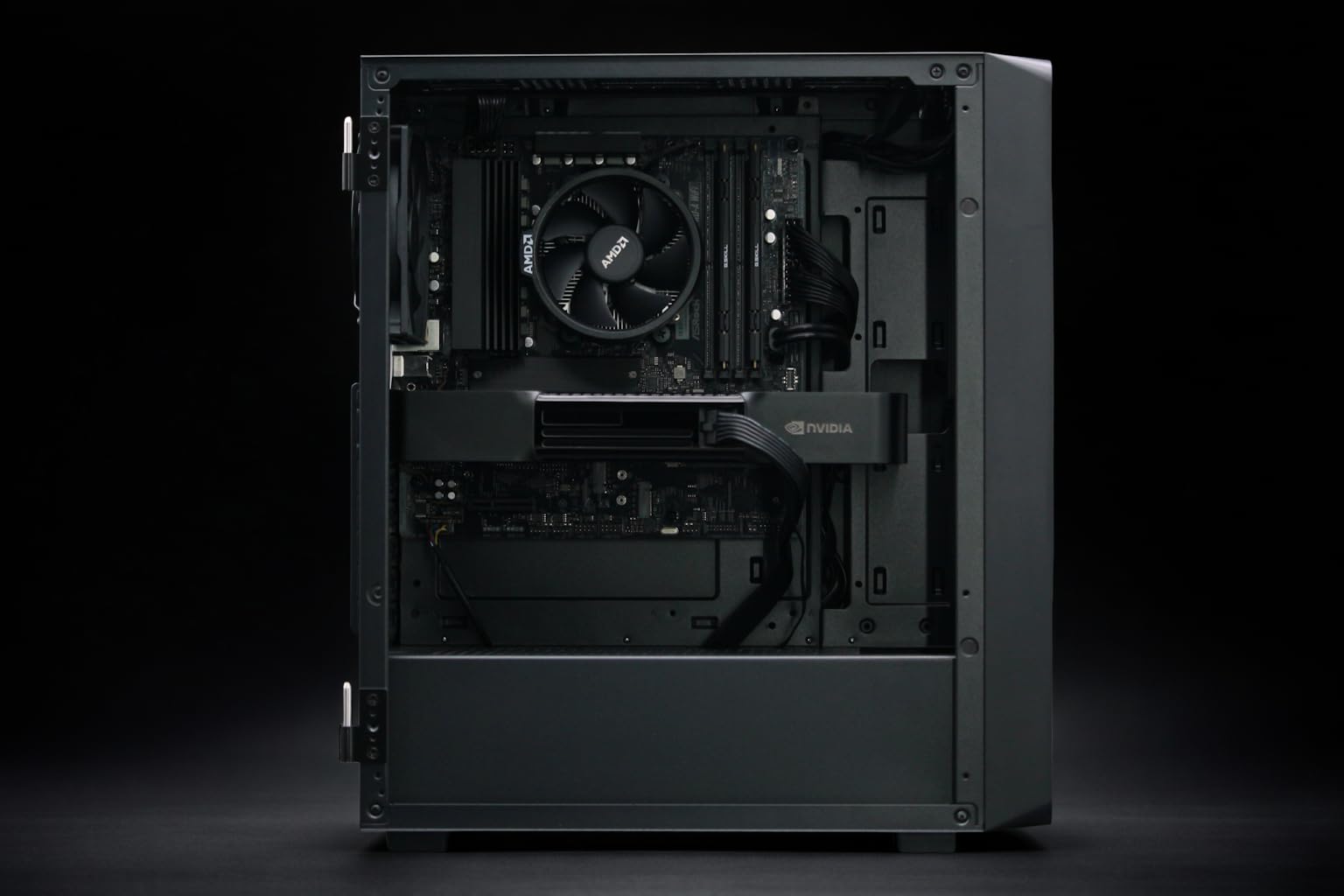
For local LLM development, we're seeing huge demand for pre-built units like the BoxGPT AI Workstation with RTX PRO 6000 Blackwell. These systems give you 96GB of total VRAM, which is the sweet spot for running DeepSeek-V3 locally for testing before deploying to an enterprise-grade GPU server.
§Hardware compatibility: Don't ignore the PCIe bus
Whether you're running GDDR7 or HBM3e, the interconnect matters. If you are running multiple GPUs, the speed at which they talk to each other (NVLink or PCIe 5.0) can become a bottleneck, especially for MoE models like DeepSeek-V3.
- Consumer Setup: Usually limited by PCIe lane count on consumer CPUs like the Ryzen 9700X.
- Professional Setup: The BoxGPT AI Workstation, RTX PRO 5000 Blackwell is optimized for these data paths to ensure your Blackwell GPU isn't waiting on the processor.
- Enterprise: Systems like the ASUS ESC8000A-E12P use specialized switch topologies to minimize latency between the H200 accelerators.
If you're moving from a single PNY NVIDIA RTX 6000 ADA to a multi-GPU Blackwell setup, ensure your power supply and cooling can handle the increased density. You can check individual specs for these requirements on our benchmarks page.
§Frequently Asked Questions
Can I run Llama-4 on a single RTX 5090?
Yes, for smaller versions or heavily quantized 70B models (4-bit or less). The 32GB of GDDR7 on the RTX 5090 is excellent for development work, but for the full-parameter experience, you'll need dual GPUs or a Blackwell workstation card.
Is GDDR7 really better than HBM3e for any use case?
Yes—cost and availability. For a solo researcher, the price-to-performance ratio of GDDR7 for single-batch inference is unbeatable. HBM3e is technically superior in bandwidth, but cost-prohibitive unless you are running a production API.
Why do MoE models like DeepSeek-V3 require more memory bandwidth?
Mixture-of-Experts models only activate a portion of their parameters for every token, but the system must be able to "swap" or access different experts across the VRAM instantly. The 4096-bit bus of HBM3e in enterprise systems handles this context switching much more gracefully than the narrower bus of consumer memory.
§Verdict: Which should you choose?
If your goal is to iterate fast, break things, and find the best prompt for your new LLM-powered app, go with a GDDR7-based card like the ASUS ROG Astral RTX 5090. The high clock speeds will give you snappy, responsive tokens that make the dev loop feel seamless.
However, if you are building the next big SaaS and need to handle 50 concurrent users running Llama-4 70B at full precision, stop looking at consumer gear. You need the HBM3e bandwidth and stability found in the ASUS H200 NVL Server. GDDR7 is for the lab; HBM3e is for the world.
Heads up: AI Hardware Hub may earn a commission when you buy through links on this page. We only recommend gear we'd run ourselves.