Local AI development in 2026 has reached a crossroads where parameters are growing faster than standard memory controllers can keep up. To run the latest flagship models like Llama-4 or DeepSeek-V3 without massive latency, you must choose between the raw capacity of professional HBM3e-adjacent systems or the blistering speed of consumer GDDR7 cards paired with aggressive quantization. This guide breaks down the hardware trade-offs and quantization strategies necessary to keep your local inference loops fast and cost-effective.
Heads up: AI Hardware Hub may earn a commission when you buy through links on this page. We only recommend gear we'd run ourselves.
§The memory wall: GDDR7 speed vs. HBM3e capacity
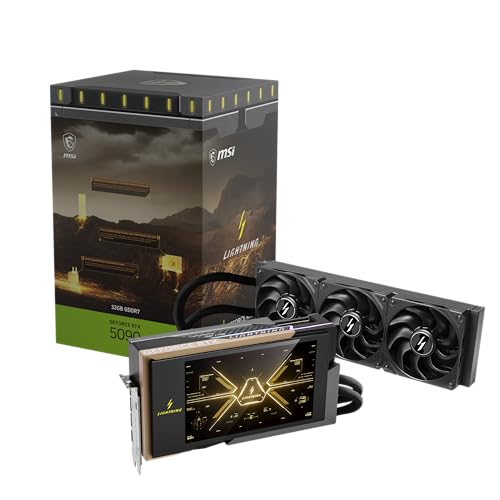
The release of the NVIDIA Blackwell architecture has bifurcated the market. On one side, we have the MSI Gaming RTX 5090 32G Lightning Z Graphics Card, sporting the latest GDDR7 memory. GDDR7 offers a massive jump in bandwidth, which is the primary bottleneck for token generation speed. However, with only 32GB of VRAM, it's a tight squeeze for modern LLMs.
On the other side, the PNY Technology VCNRTXPRO6000BQ-PB NVIDIA RTX PRO 6000 Blackwell Max-Q provides a staggering 96GB of VRAM. While these professional units leverage wider memory buses and larger capacities, the price-to-performance ratio for pure inference speed often favors the consumer side—provided you know how to use quantization.
For those curious about how these stack up in raw throughput, check our latest benchmarks.
§Quantization: making 400B models fit on consumer glass
If you're eyeing the Llama-4 400B or the latest DeepSeek-V3, you aren't fitting them in FP16 on any single-socket machine. Even a 70B model in FP16 requires ~140GB of VRAM, forcing you into expensive multi-GPU setups.
Quantization allows us to compress these weights. In 2026, 4-bit (GGUF/EXL2) and 6-bit quantization have become the gold standard.
- 4-bit: Offers roughly a 70% reduction in memory footprint with a negligible (1-3%) hit to perplexity.
- 6-bit: The "sweet spot" for ML engineers who need high reasoning accuracy for coding tasks.
If you are running the ASUS ROG Astral NVIDIA GeForce RTX 5090 32GB, a 4-bit quantized 70B model will still spill over into system RAM, causing a massive performance cliff. However, a 30B or 32B model fits perfectly, leveraging that GDDR7 bandwidth for over 100 tokens per second.
§Comparing the local AI powerhouses
Choosing the right base for your AI workstations depends on your specific model size targets.
| Hardware Feature | MSI RTX 5090 Lightning Z | PNY RTX PRO 6000 Blackwell | PNY RTX 6000 ADA |
|---|---|---|---|
| Architecture | Blackwell (Consumer) | Blackwell (Pro) | Ada Lovelace (Pro) |
| VRAM Capacity | 32GB GDDR7 | 96GB | 48GB GDDR6 |
| Best Use Case | Fast Inference / 4-bit | Local Finetuning / Massive Context | Legacy Support / Stable Diffusion |
| Quantization Target | Q4_K_M or Q6_K | FP16/BF16 or Q8 | Q4/Q5 |
§Strategic builds for 2026 workflows
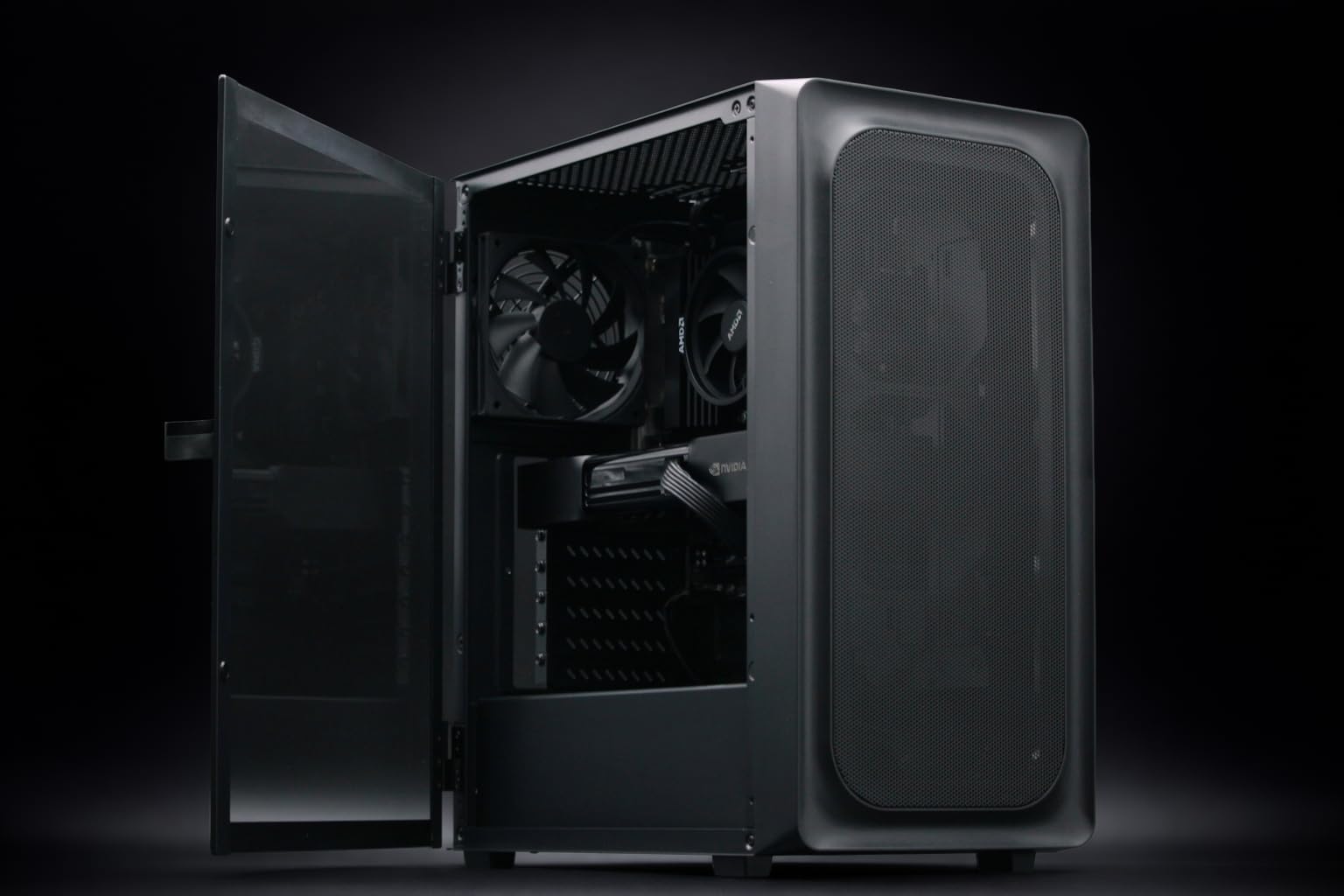
For ML engineers who need "set it and forget it" reliability, pre-built workstations optimized for these Blackwell chips are the move. The BoxGPT AI Workstation, RTX PRO 6000 Blackwell (96GB) is currently the most efficient way to get 96GB of addressable VRAM without moving to a rackmount server like the ASUS ESC8000A-E12P.
If your budget is tighter but your performance needs are high, look at the Adamant Custom 12-Core Workstation with RTX 5090. It leverages the 5090's speed. To run Llama-4 70B on this machine, you would utilize a "split-quant" strategy—keeping the KV cache on the 32GB GDDR7 VRAM and offloading the less frequently accessed layers to the 192GB of DDR5 system RAM.
- For Speed: Prioritize GDDR7 GPUs and 4-bit EXL2 quantization.
- For Development: Prioritize VRAM capacity (96GB+) to avoid the complexities of layer offloading.
- For Enterprise: Scaling up to H200 NVL systems is necessary if you are hosting multi-user inference APIs.
§Why GDDR7 vs HBM3e for local AI inference matters
The core of the debate is latency vs. throughput. GDDR7, found in the ASUS ROG Astral RTX 5090, provides the rapid-fire response times needed for real-time AI agents. HBM3e (found in high-end enterprise gear) and high-capacity Blackwell Pro cards prioritize being able to process massive batches of data or enormous context windows (128k+ tokens).
If you are a solo developer, you're likely better off with two 5090s linked via NVLink (where supported) or PCIe 5.0, rather than a single enterprise card that costs 3x as much. This allows you to run "MoE" (Mixture of Experts) models like DeepSeek-V3 using 4-bit quantization across both cards, maintaining a high tokens-per-second rate.
§Bottom line: The verdict for ML engineers
If you're building a rig today, the choice is clear:
- If speed is king: Buy the MSI Gaming RTX 5090 and master K-Quantization techniques. You'll get the fastest desktop experience possible in 2026.
- If model size is king: The BoxGPT AI Workstation with 256GB RAM and 96GB VRAM is the gold standard. It removes the "will it fit?" anxiety from your workflow entirely.
Local AI is no longer about having the most VRAM, but having the right memory for your specific quantization strategy.
FAQ
Can I run Llama-4 on an older RTX 6000 ADA?
Yes. The PNY NVIDIA RTX 6000 ADA remains a powerhouse with 48GB of VRAM. While it uses GDDR6, its capacity allows you to run higher-precision quatizations (like 6-bit or 8-bit) that won't fit on a 32GB 5090.
What is the advantage of GDDR7 for AI?
GDDR7 offers significantly higher bandwidth per pin compared to GDDR6. In AI inference, the bottleneck is often how fast weights can be moved from memory to the compute cores. GDDR7 reduces this bottleneck, resulting in higher tokens-per-second.
Is 32GB enough for DeepSeek-V3?
Only with heavy quantization. DeepSeek-V3 is a massive model; to run it on an ASUS ROG Astral RTX 5090, you would need to use 3-bit or 4-bit quantization and likely still offload some layers to system memory, which will slow down the generation speed.
Should I prioritize GPU VRAM or System RAM?
Always GPU VRAM first. System RAM (DDR5) is significantly slower than the GDDR7 or GDDR6 memory on your GPU. However, for models that simply won't fit on any GPU, having a workstation like the Adamant Custom AI Workstation with 192GB of DDR5 provides a necessary safety net.
Heads up: AI Hardware Hub may earn a commission when you buy through links on this page. We only recommend gear we'd run ourselves.