The year 2026 has brought us to a strange crossroads in local machine learning. While consumer-grade hardware has never been faster, the sheer scale of State-of-the-Art (SOTA) models—think Llama 4 and its derivatives—has widened the chasm between "running a model" and "running a model well." If you’re an engineer or a high-end creator, you're currently staring at two very different paths: aggressive quantization on GDDR7-based consumer cards or the massive, uncompressed headroom of enterprise memory tiers.
The thesis is simple: GDDR7 is a bandwidth miracle for small and medium models, but the "latency-to-context gap" means that for long-form inference and RAG (Retrieval-Augmented Generation), enterprise VRAM capacity still beats consumer speed every single time.
Heads up: AI Hardware Hub may earn a commission when you buy through links on this page. We only recommend gear we'd run ourselves.
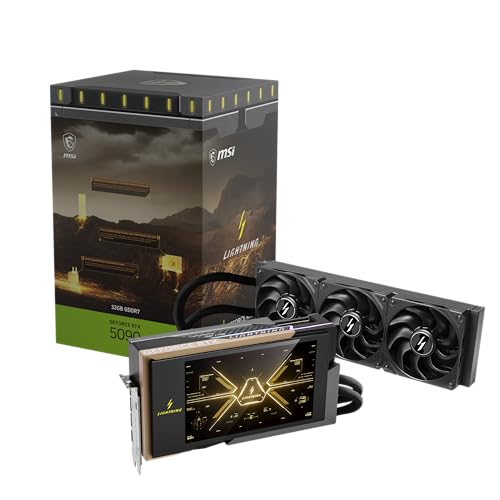
§The GDDR7 speed demon: Why bandwidth isn't capacity
The introduction of GDDR7 has pushed consumer cards like the MSI Gaming RTX 5090 32G Lightning Z Graphics Card into a new realm of throughput. We’re seeing memory speeds that finally make 70B models feel "snappy" even on a single card. However, the 32GB ceiling remains a hard limit.
When you run a model like Llama-3-70B on an ASUS ROG Astral NVIDIA GeForce RTX 5090 32GB GDDR7 White OC Edition, you aren't running it at FP16. You’re likely using GGUF or EXL2 quantization at 4-bit or 5-bit. While the GDDR7 bus ensures that the tokens fly off the GPU at incredible speeds (low latency), the moment your context window expands—feeding the model massive PDFs or codebases—the KV cache eats into that 32GB like a termite.
§Quantization: The hidden cost of "free" memory
Quantization (shrinking model weights) is the great equalizer for local enthusiasts. It allows you to squeeze a massive model into the 32GB of a MSI Gaming RTX 5090 32G Lightning Z. But there’s a catch that often gets overlooked in benchmarks:
- Intelligence Degradation: While 4-bit quantization is "good enough" for chatting, it loses the nuance required for complex logic and specialized coding tasks.
- The Latency Gap: As context grows, the computational overhead of de-quantizing weights on the fly begins to manifest as a stutter in "time to first token."
- Memory Fragmentation: GDDR7 is fast, but it can't fix the physical lack of space. Once you hit that 32GB wall, your system will offload to system RAM, and your performance will drop from 50 tokens per second to 2.
§The Enterprise alternative: Native unquantized inference
If your work involves fine-tuning or high-accuracy RAG, you need to look at the professional Blackwell and Ada Lovelace tiers. The PNY NVIDIA RTX 6000 ADA offers 48GB, which is enough to run dense 30B models unquantized with a massive context window.
But the real game-changer is the PNY Technology VCNRTXPRO6000BQ-PB NVIDIA RTX PRO 6000 Blackwell Max-Q. With a staggering 96GB of VRAM, this card removes the need for quantization entirely for most common SOTA models. You are no longer trading intelligence for fit.
Performance comparison: Consumer vs. Professional tiers
| GPU Model | VRAM | Memory Type | Primary Use Case | Architecture |
|---|---|---|---|---|
| MSI RTX 5090 Lightning Z | 32GB | GDDR7 | High-speed 4-bit Inference | Blackwell |
| PNY RTX 6000 ADA | 48GB | GDDR6 | Pro-Visuals / 8-bit LLMs | Ada Lovelace |
| PNY RTX PRO 6000 Blackwell | 96GB | GDDR7/ECC | Native FP16 / Deep Context | Blackwell |
| NVIDIA H200 NVL | 141GB | HBM3e | Training / Enterprise API | Hopper/Blackwell |
§The Workstation sweet spot
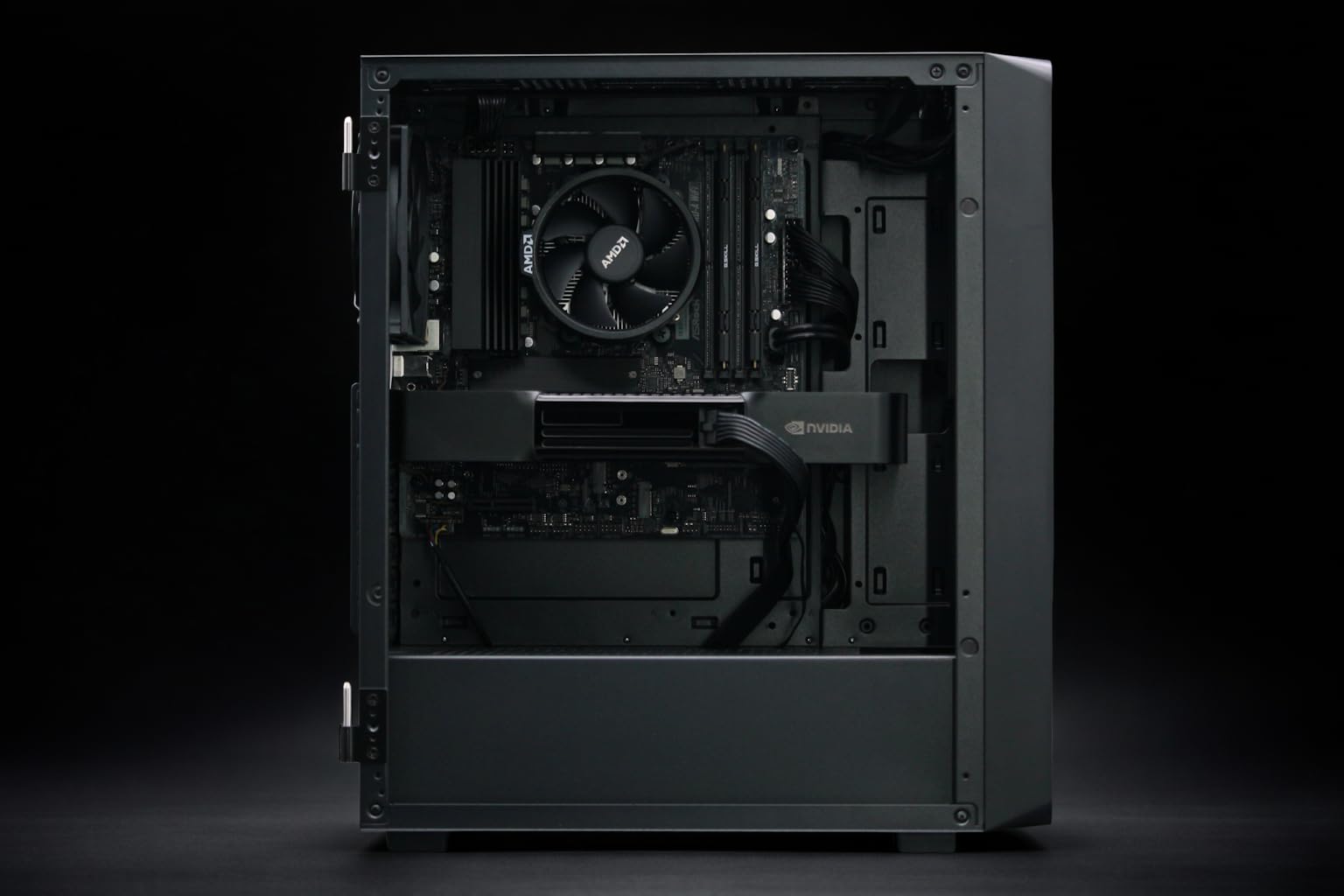
For most ML engineers, building a PC from scratch is a distraction. Mid-market vendors have started bundling AI GPUs into pre-configured stacks that balance the price-to-VRAM ratio.
The Adamant Custom 12-Core Workstation uses the consumer-grade RTX 5090, but surrounds it with 192GB of DDR5 system RAM to mitigate the OOM (Out of Memory) crashes during heavy context loading.
Conversely, the BoxGPT AI Workstation with RTX PRO 6000 Blackwell is the "no-compromise" choice. It yields 96GB of VRAM, allowing you to run unquantized models that consumer cards can't even touch. This is where the "latency-to-context" gap is solved. It doesn't matter how fast the GDDR7 is if the model doesn't fit in the buffer.
§When should you jump to HBM3e?
In 2026, GDDR7 is the king of the desktop, but it’s still fundamentally "consumer" tech. If you are serving an API to a whole department or training LoRAs on multi-billion token datasets, you need HBM3e (High Bandwidth Memory).
The ASUS ESC8000A-E12P Server featuring dual NVIDIA H200 NVL cards is the nuclear option. We’re talking about 141GB per card and memory bandwidth that makes GDDR7 look like a dial-up modem. This is the only way to maintain sub-100ms latency across massive batch sizes.
§Strategic advice for local engineers
Don't get blinded by the "Gaming" marketing of the RTX 50 series. If your goal is to build, not just play:
- Prioritize total VRAM over clock speed. A slower card with more memory (like the PNY RTX 6000 ADA) is more useful for long-context RAG than a blazingly fast 32GB card.
- Consider the "Dual GPU" approach. Instead of one 5090, could your budget stretch to a workstation like the BoxGPT Pro 5000 Blackwell? 48GB of professional-grade VRAM often provides a more stable development environment than consumer drivers.
- Watch the context window. If you’re seeing your tokens-per-second tank after 10,000 words, you’ve hit the context gap. No software optimization can fix that; you simply need more silicon.
FAQ
Does GDDR7 make up for less VRAM?
No. Bandwidth (GDDR7) affects how fast the model thinks, but VRAM capacity affects how much it can think about at once. A fast 32GB card will still crash on a 40GB model, regardless of how fast the memory is.
Is quantization still necessary on a 96GB RTX PRO 6000?
For "medium" models like 70B, no. You can run them at FP16 or 8-bit with room to spare. For the truly massive 400B+ models, you will still need some level of quantization, even on professional AI workstations.
Should I buy an RTX 5090 for professional AI work?
Only if your models fit within 32GB. If you’re a developer working with uncompressed weights or large batches, the PNY RTX PRO 6000 Blackwell or a dedicated AI server is a much better investment for your time and sanity.
§Bottom line
GDDR7 is a massive leap for local inference, making high-speed quantization viable for the masses. But if you’re a professional whose livelihood depends on the accuracy and context-depth of SOTA models, the 32GB limit is your primary enemy. The "latency-to-context gap" is real; stay on the consumer side if you prioritize speed on a budget, but jump to enterprise tiers if you need your models to actually remember what you told them ten minutes ago.
Heads up: AI Hardware Hub may earn a commission when you buy through links on this page. We only recommend gear we'd run ourselves.