
The era of "just squeeze it in" is ending for local ML development. While heavy quantization once allowed us to run massive models on consumer hardware, the performance tax on reasoning and the bottleneck of memory bandwidth have reached a breaking point. To maintain competitive inference speeds without degrading model intelligence, the choice now boils down to two distinct architectural paths: the blistering speed of GDDR7 or the massive, uncompromised capacity of HBM3e.
If you’re tired of watching your tokens drip out at single-digit speeds because your weights are crushed down to 4-bit, it’s time to talk about the physical limits of VRAM.
Heads up: AI Hardware Hub may earn a commission when you buy through links on this page. We only recommend gear we'd run ourselves.
§The GDDR7 surge: Why speed matters for small-to-mid models
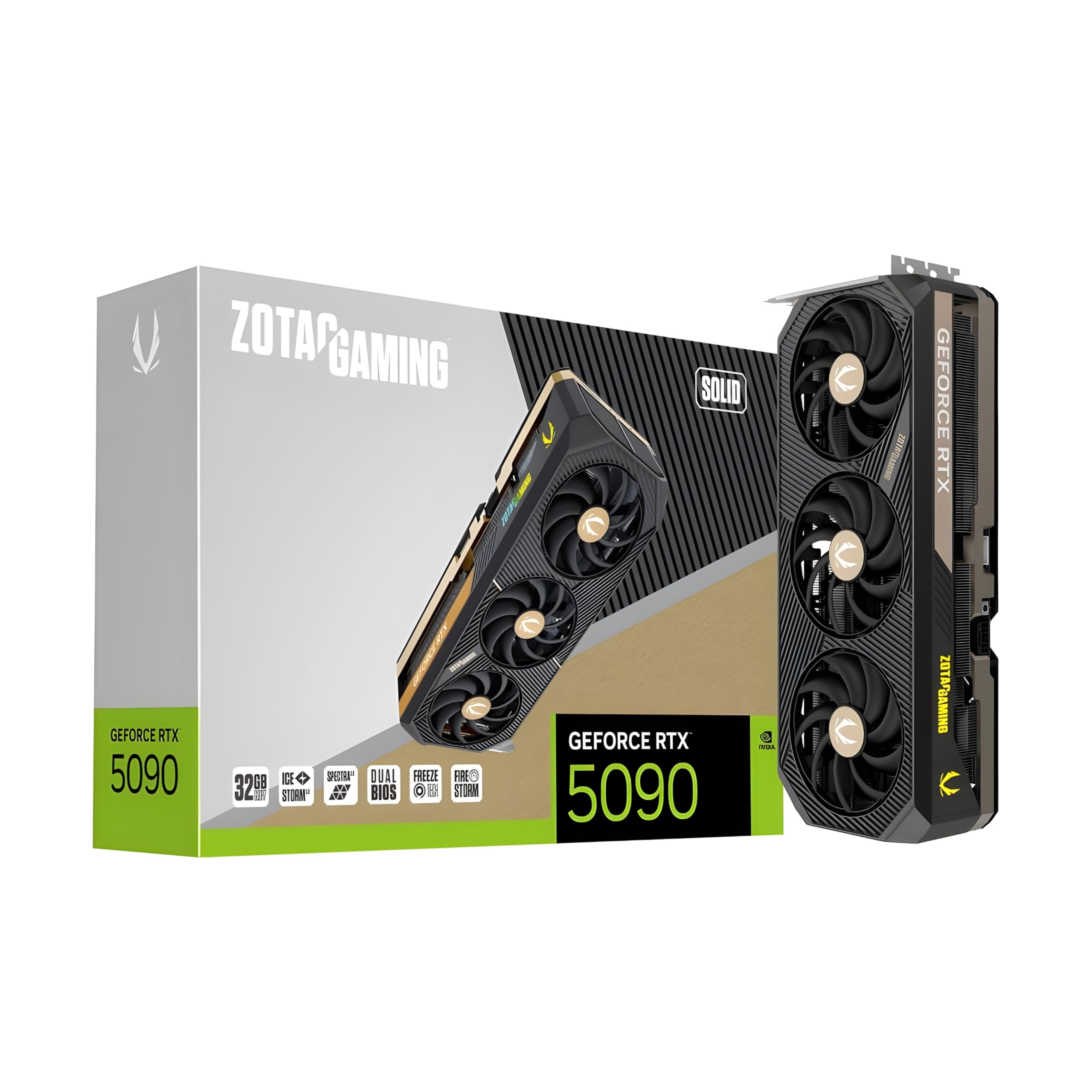
GDDR7 is the new standard for consumer and prosumer cards like the ZOTAC Gaming GeForce RTX 5090 Solid 32GB GDDR7 Reflex 2 RTX AI DLSS4. It uses PAM3 signaling to deliver significantly higher bandwidth than the GDDR6X we relied on previously. For ML engineers, this translates directly to "tokens per second" (TPS) for models that fit entirely within the 16GB to 32GB range.
When you run a model like Llama 3 or Mistral on an ASUS TUF Gaming GeForce RTX 5080 16GB GDDR7 OC Edition, the GDDR7 bus allows the GPU to cycle through the model weights much faster during the auto-regressive decoding phase. If your workflow involves high-speed agentic loops—where an AI is "thinking" and "acting" in a series of quick bursts—bandwidth is your primary metric.
§The HBM3e wall: When capacity becomes the only metric
As impressive as GDDR7 is, it remains limited by capacity and bus width. This is where High Bandwidth Memory (HBM3e) takes over. HBM3e isn't just "faster" RAM; it's a 3D-stacked architecture that sits on the same package as the GPU die.
We see this in enterprise-grade silicon like the ASUS Dual AMD EPYC 9004 Series 4U GPU Server with 2x NVIDIA H200 NVL 141GB GPUs. While the H200's HBM3e provides incredible bandwidth (measured in terabytes per second), its real value for the local developer is the ability to run 70B+ parameter models at FP16 or high-bit GGUF levels without splitting the model across multiple slow PCIE lanes.
Why HBM3e wins for "Unleashed" Inference:
- Zero Quantization Loss: Run models at their native precision to avoid "GPT-4 level" models regressing to "GPT-3.5 level" due to weight clipping.
- Massive Context Windows: Since the context KV-cache also lives in VRAM, 141GB or 96GB cards allow for millions of tokens in context that would crash a 32GB card.
- Unified Memory Access: Extremely low latency between the GPU and the memory stacks.
§The middle ground: Blackwell Workstations
For many ML engineers, the jump to a $77k server is overkill, but a 32GB gaming card is too small. This is where "unleashed" workstation cards come in, bridging the gap with massive GDDR-based pools that act like a budget HBM setup.
The PNY Technology VCNRTXPRO6000BQ-PB NVIDIA RTX PRO 6000 Blackwell Max-Q offers a staggering 96GB of VRAM. While it uses GDDR memory rather than HBM, the sheer volume allows you to load an entire Llama 3 70B model in high precision.
If you are currently running a PNY NVIDIA RTX 6000 ADA with 48GB, you know the frustration of being just short of running the most capable open-source weights without aggressive 4-bit quantization. Moving to the Blackwell architecture's 96GB tier is the moment you can finally stop compromising.
§Comparing the Architectures for Local Dev
| Feature | GDDR7 (Consumer/Pro) | HBM3e (Enterprise/DC) |
|---|---|---|
| Typical Capacity | 16GB - 32GB | 80GB - 141GB+ |
| Peak Bandwidth | Up to 1.5 TB/s | 4.8 TB/s+ |
| Best For | Prototyping, 7B-30B models | Production, 70B-400B models |
| Power Efficiency | Moderate | High (per GB) |
| Example Hardware | RTX 5090 | H200 NVL |
§Choosing your local "inference rig"
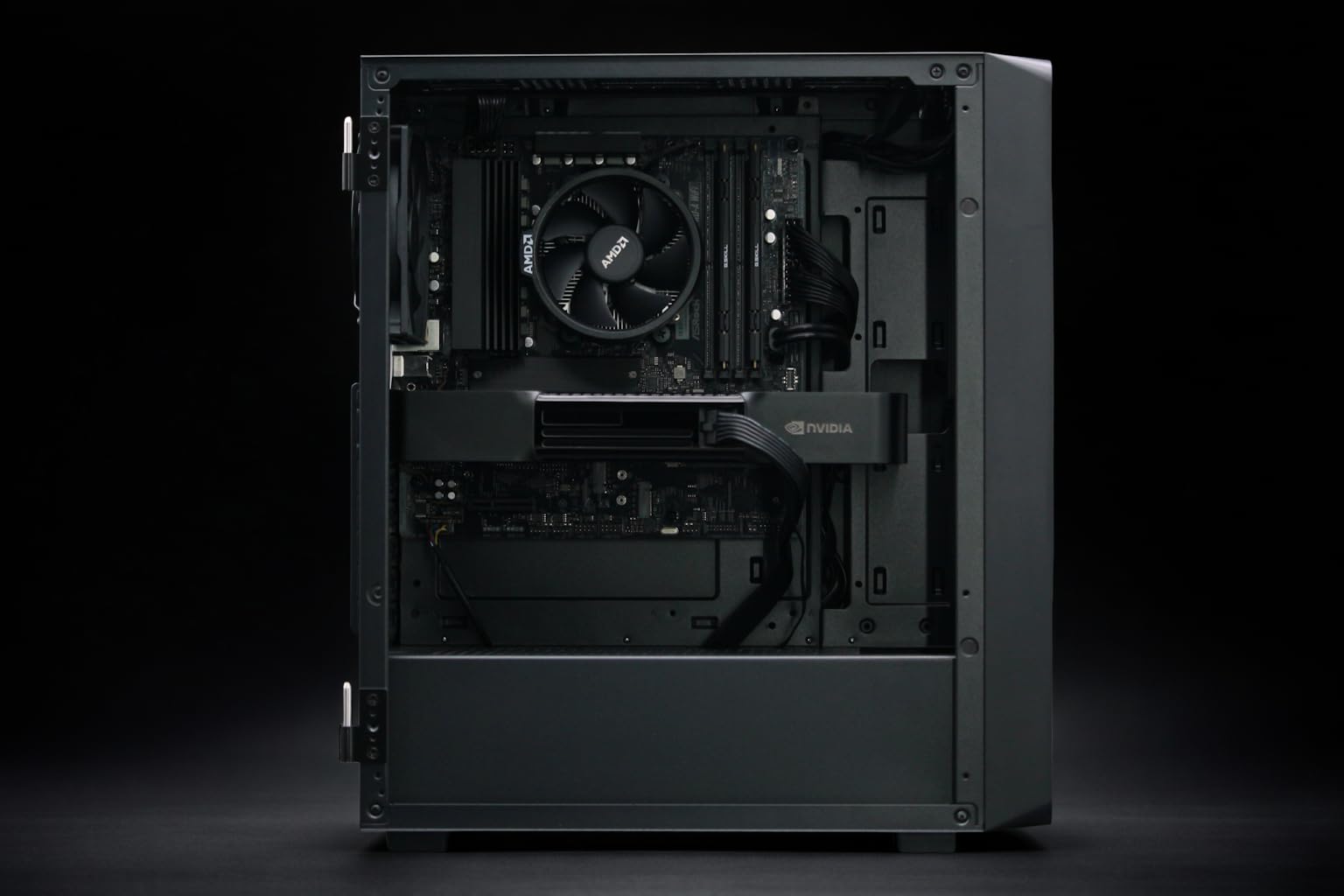
If you’re building a dedicated box for local LLM development, the BoxGPT AI Workstation with RTX PRO 6000 Blackwell 96GB VRAM represents the current "Goldilocks" zone. It provides enough VRAM to avoid the pitfalls of heavy quantization while keeping the form factor manageable for an office environment.
On the other hand, if you require the absolute maximum compute density and are fine with a workstation that doubles as a gaming powerhouse, the NOVATECH Apex WS9985X pairs the high bandwidth of the RTX 5090's GDDR7 with a 64-core Threadripper. This is ideal for those who prioritize benchmarks and fast iterations on smaller, fine-tuned models.
§When to abandon quantization
Quantization (shrinking models to 4-bit or 8-bit) is a miracle of engineering, but it isn't free. As models get more complex, the "perplexity" (a measure of how confused the model is) increases as you strip away bits.
You should move to a high-capacity system like the BoxGPT RTX PRO 5000 Blackwell 48GB when:
- Reasoning matters: You’re using the model for coding or complex logic where 4-bit "hallucinations" are frequent.
- Long context is required: You need to feed entire codebases into the prompt, which eats VRAM for breakfast.
- Throughput is king: You need to serve multiple users or agents simultaneously from a single local node.
For those looking to explore the full range of options, check out our AI GPUs and AI Workstations categories.
§Bottom line: GDDR7 for speed, HBM3e for scale
If you're building a local RAG (Retrieval-Augmented Generation) system or a coding assistant, the move to GDDR7 on an RTX 5090 will give you the snappiness you crave. But if you’re trying to replicate GPT-4 class intelligence on your own hardware without the lobotomy of heavy quantization, you must aim for the 48GB to 96GB VRAM tier. The technical trade-off isn't just about speed—it's about whether the model is actually smart enough to do the job you gave it.
FAQ
Does GDDR7 make a difference for LLM training?
Yes, but training is often more sensitive to memory capacity than raw bandwidth. While GDDR7 speeds up the backpropagation passes, you'll still hit the VRAM wall quickly on consumer cards. For serious fine-tuning, the 96GB capacity of the RTX PRO 6000 Blackwell is far more valuable than the raw speed of a 32GB card.
Can I mix GDDR7 and GDDR6 cards in one workstation?
Technically, yes, but your inference engine (like llama.cpp or vLLM) will be limited by the slowest card's bandwidth if the model is striped across both. It's generally better to stay within the same architecture to maintain consistent benchmarks.
Is HBM3e worth the 5x price increase for a developer?
It depends on your "time-to-insight." If you are an enterprise ML engineer developing proprietary models, the ability to run unquantized experiments on a Dual H200 server saves weeks of debugging "quantization-induced bugs" that don't exist in the base weights.
Heads up: AI Hardware Hub may earn a commission when you buy through links on this page. We only recommend gear we'd run ourselves.