
As we enter 2026, the hardware requirements for Llama-4 fine-tuning have created a sharp divide in the machine learning community. While consumer silicon has made leaps in bandwidth, the sheer memory pressure of high-parameter models is forcing engineers to choose between the cost-efficient "Quantization Tax" of multi-GPU clusters and the pristine, high-capacity VRAM of professional Blackwell systems. If you're building a local stack this year, the decision hinges entirely on whether you value token throughput or the integrity of your model's weights.
Heads up: AI Hardware Hub may earn a commission when you buy through links on this page. We only recommend gear we'd run ourselves.
§The memory wall: Why Llama-4 fine-tuning hardware requirements are shifting
The jump to Llama-4 has fundamentally moved the goalposts for local fine-tuning. We are no longer just fighting for inference; we are fighting for the memory headroom required to house gradients, optimizer states, and activations. A standard 70B or 100B+ parameter model in FP16/BF16 precision simply won't fit on a single consumer card.
This has led to two distinct schools of thought:
- The GDDR7 Cluster: Linking multiple consumer cards like the ASUS ROG Astral NVIDIA GeForce RTX 5090 32GB GDDR7 OC Edition to reach 96GB or 128GB of total VRAM.
- The Blackwell PRO Soluiton: Utilizing a single, massive 96GB buffer on the PNY Technology NVIDIA RTX PRO 6000 Blackwell to avoid the latency penalties of multi-GPU orchestration.
§The Quantization Tax on RTX 50-series clusters
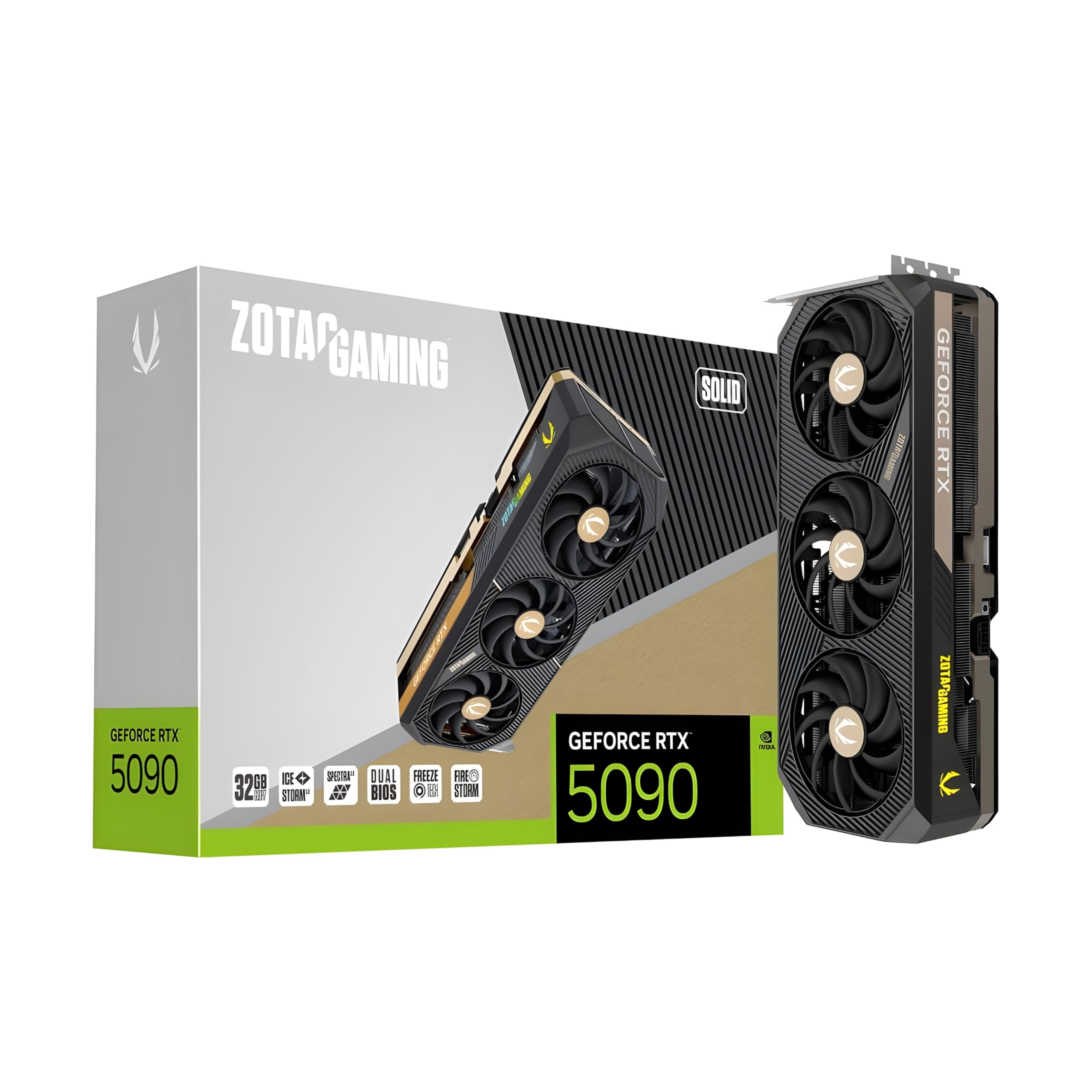
To run Llama-4 fine-tuning on consumer hardware, you have to pay the "Quantization Tax." Even with the 32GB buffer on the ZOTAC Gaming GeForce RTX 5090 Solid, you're forced into 4-bit or 8-bit LoRA (Low-Rank Adaptation) workflows.
While GDDR7 offers a significant bandwidth uplift over the GIGABYTE GeForce RTX 4090 Gaming OC 24GB, the "tax" isn't just about speed—it's about accuracy. When you quantize a model to fit into 32GB chunks across multiple cards, you risk losing the nuanced reasoning capabilities that define the Llama-4 architecture. Furthermore, multi-GPU setups on consumer boards often face PCIe bottlenecking, as most consumer CPUs can't provide enough lanes for four GPUs at full x16 speed.
§The Blackwell advantage: 96GB HBM3e and native precision
Professional-grade hardware like the PNY Technology NVIDIA RTX PRO 6000 Blackwell eliminates the need for aggressive quantization. With 96GB of VRAM on a single PCB, you can fine-tune mid-sized models in native BF16 precision.
More importantly, the move to Blackwell architecture introduces HBM3e-level performance in a workstation form factor. This allows for significantly larger context windows. If your ML project requires processing entire codebases or long-form legal documents, the "Long Context" limit on a 32GB RTX 5090 will be your primary bottleneck, regardless of how many cards you stack.
§Comparing local AI hardware for 2026
| Feature | Dual RTX 5090 Cluster | Single RTX PRO 6000 Blackwell |
|---|---|---|
| Total VRAM | 64GB (2x32GB) | 96GB |
| Memory Type | GDDR7 | HBM3e / Specialized PRO Buffer |
| Precision Support | Quantized (4-bit/8-bit) | Native BF16 / FP16 |
| Typical Use Case | Budget-conscious prototyping | Enterprise LLM fine-tuning |
| System Compatibility | High (Gaming ATX) | Enterprise Workstations |
§Workstation vs. Server: Picking your chassis
For many engineers, the "build vs. buy" debate is settled by integrated systems. If you want a turn-key solution, the BoxGPT AI Workstation with dual RTX PRO 6000 Blackwell offers a staggering 192GB of combined VRAM. This is the gold standard for local LLM development in 2026, providing enough overhead to run Llama-4 70B full-parameter tuning without breaking a sweat.
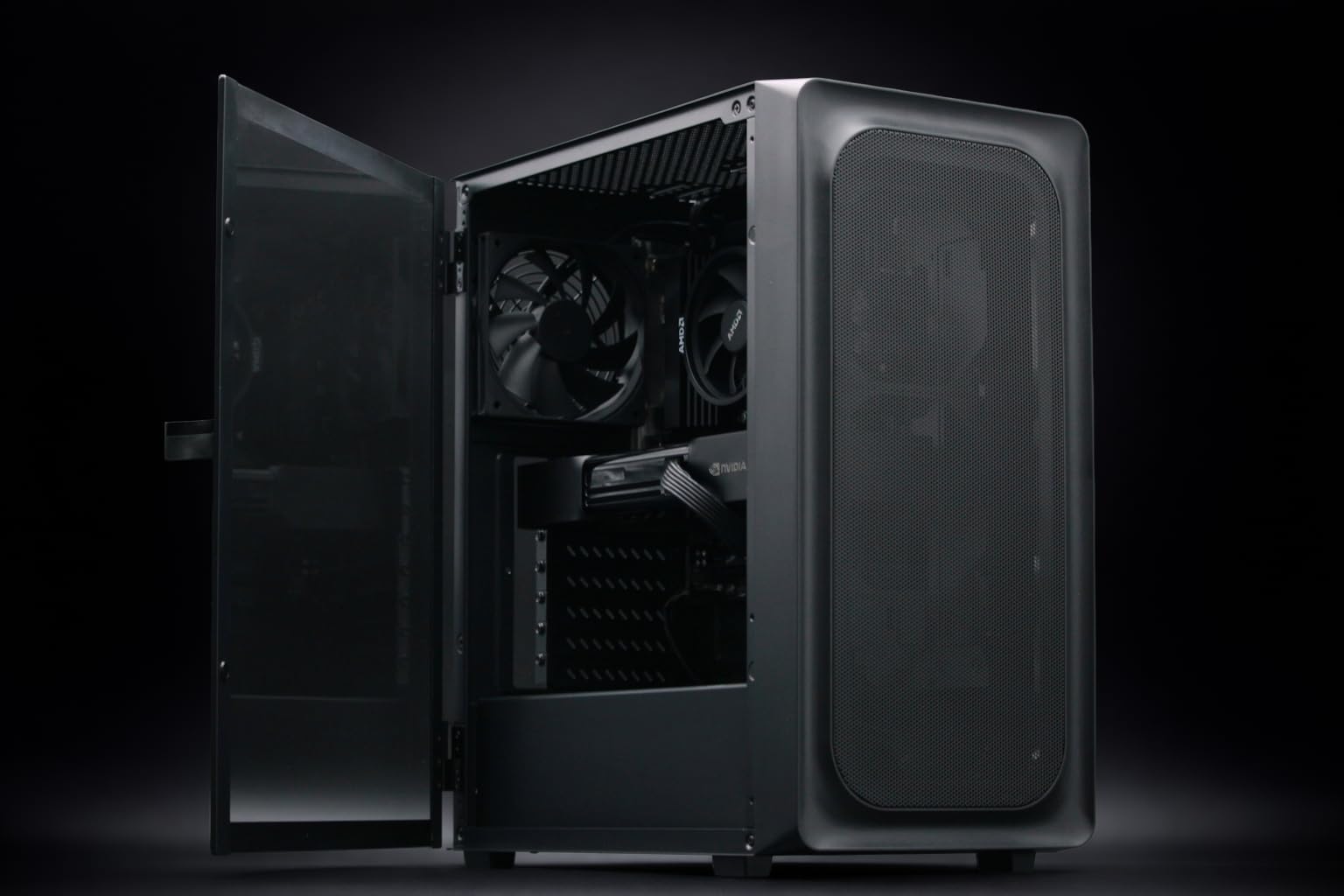
For those on a slightly tighter budget who still need professional reliability, the BoxGPT AI Workstation with a single 96GB PRO 6000 is a smarter play than a messy 4-card consumer rig. It avoids the thermal and power issues inherent in running multiple ZOTAC Gaming GeForce RTX 5090 Solid cards in a standard mid-tower.
If you're looking for the absolute ceiling of performance, you skip workstations entirely and move to enterprise AI systems. Systems like the ASUS ESC8000A-E12P utilize H200 NVL GPUs with 141GB of VRAM, but these are 4U rackmount units meant for data centers, not the office.
§Why context window demands HBM3e
- The KV Cache Problem: As your context window grows, the memory required to store the "Key-Value cache" grows linearly.
- GDDR7 Limits: While GDDR7 is fast, its capacity-per-link is lower than HBM3e.
- The 32GB Ceiling: Even in 2026, 32GB on the ASUS ROG Astral RTX 5090 hits a hard wall when trying to fine-tune with 128k context lengths.
- Unified Memory: Professional Blackwell cards handle context overflow more gracefully via NVLink than consumer cards do over the PCIe bus.
§Verdict: Which path for Llama-4?
If you are a hobbyist or an indie researcher, building a rig around the NOVATECH Apex WS9985X AI Workstation represents the best "bang for buck." You get the power of the 50-series and the 64-core Threadripper PRO to handle data preprocessing.
However, for ML engineers whose livelihoods depend on model accuracy and large context windows, the PNY RTX PRO 6000 Blackwell is the only choice that makes sense. The "Quantization Tax" on consumer cards is simply too high for production-grade fine-tuning when native 96GB buffers are available. Don't forget to check our latest GPU benchmarks to see how these cards handle the 2026 LLM Eval suite.
FAQ
Can I fine-tune Llama-4 70B on a single RTX 5090?
Only with extreme 4-bit quantization (QLoRA) and a very small context window. For any meaningful fine-tuning, the 32GB VRAM on cards like the ZOTAC Gaming GeForce RTX 5090 Solid is the bare minimum and often requires offloading some weights to system RAM.
Is the RTX PRO 6000 Blackwell worth three times the price of a 5090?
Yes, if you require native precision and 96GB of VRAM. The PNY RTX PRO 6000 Blackwell is built for 24/7 compute loads and features professional drivers that unlocked significantly higher performance in specialized ML libraries compared to gaming drivers.
How many GPUs can I fit in a standard AI workstation?
Most high-end AI workstations can support two to four GPUs. However, power and thermal management become critical. A dual-card setup with the ASUS ROG Astral RTX 5090 can draw over 1000W under full load, requiring a specialized 1600W+ PSU and excellent airflow.
Heads up: AI Hardware Hub may earn a commission when you buy through links on this page. We only recommend gear we'd run ourselves.