Local Llama-4 inference speed is no longer just about raw TFLOPS; it's a high-stakes balancing act between memory bandwidth and quantization loss. As we move deeper into 2026, the arrival of ultra-efficient 4-bit and 6-bit quantization kernels for Blackwell architecture has changed the math on whether you need a server room or just a very beefy desk.
If you’re deciding between a multi-card RTX 5090 setup or a dedicated HBM3e workstation, the "right" choice depends entirely on your context window requirements and the specific parameter count of your DeepSeek or Llama-4 deployment.
Heads up: AI Hardware Hub may earn a commission when you buy through links on this page. We only recommend gear we'd run ourselves.
§The GDDR7 revolution: Why 32GB is the new 24GB
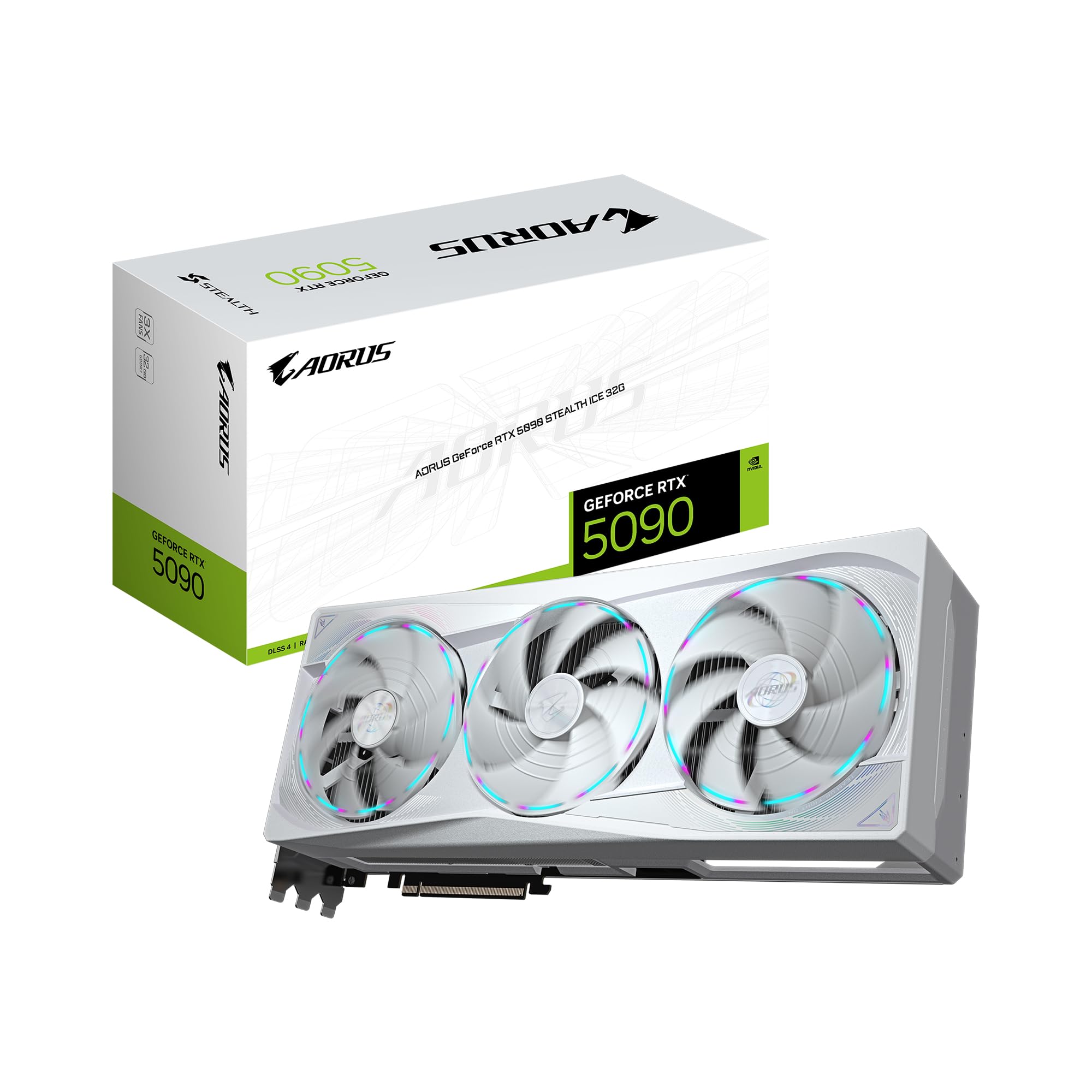
The transition from GDDR6X to GDDR7 has been the single biggest win for local LLM developers this year. With the GIGABYTE AORUS GeForce RTX 5090 Stealth ICE 32G, the jump to 32GB of VRAM means we can finally run medium-density Llama-4 models at 4-bit precision without splitting the KV cache across multiple cards.
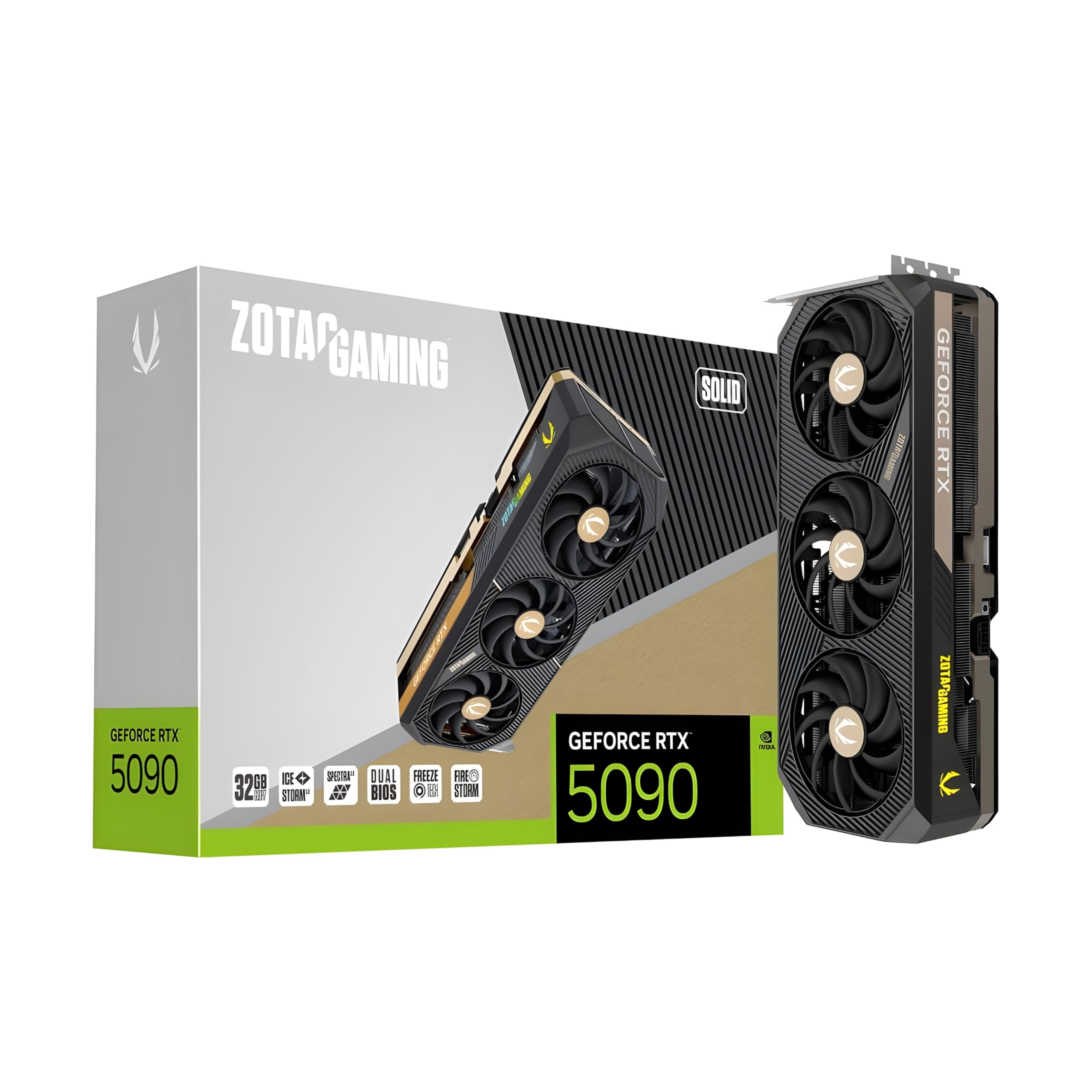
GDDR7 offers significantly higher effective bandwidth than its predecessors. This is critical because LLM inference is almost always memory-bandwidth bound. When you're running a quantized DeepSeek-V3 or Llama-4-70B model, your tokens-per-second (t/s) rate is determined by how fast the GPU can pull weights from VRAM to the compute cores. The ZOTAC Gaming GeForce RTX 5090 Solid provides a massive pipe that makes 4-bit inference feel nearly instantaneous for single-user workflows.
§Llama-4 inference speed: GDDR7 vs. HBM3e
To understand where the "Goldilocks zone" lies, we have to look at the hardware tiers. Consumer cards like the ASUS SFF-Ready Prime RTX 5070 Ti are great for 7B or 14B models, but once you scale to the 400B+ parameter range of flagship Llama-4 or DeepSeek models, the hardware requirements shift toward Enterprise HBM3e.
| Feature | Consumer Blackwell (RTX 5090) | Enterprise Blackwell (RTX PRO 6000) | Data Center (H200 NVL) |
|---|---|---|---|
| VRAM Type | GDDR7 | GDDR7 / Specialized | HBM3e |
| Capacity | 32GB | 96GB | 141GB |
| Ideal For | 4-bit 70B Quantization | 8-bit 70B / Large KV Cache | FP16 Full Fine-tuning |
| Bandwidth | ~1.5 - 1.8 TB/s | ~2.0+ TB/s | 4.8 TB/s |
While a cluster of RTX 5090s is cost-effective, the High Bandwidth Memory (HBM3e) found in the ASUS ESC8000A-E12P 2x H200 NVL Server offers a different league of performance. HBM3e puts the memory chips directly on the GPU die, drastically reducing latency and widening the data bus. If your goal is 100+ t/s on a massive model with a 128k context window, consumer hardware simply won't scale there due to PCIe bottlenecking in multi-GPU setups.
§Quantization: The developer's secret weapon
You shouldn't always buy more VRAM; sometimes you just need better math. Modern quantization techniques like AWQ and GGUF have become so efficient that the perplexity loss (accuracy drop) between a 16-bit model and a 6-bit model is negligible for most coding and chat tasks.
- 4-bit (Q4_K_M): The sweet spot for the GIGABYTE AORUS RTX 5090. You can fit a 70B model into 32GB with room for a decent context window.
- 6-bit (Q6_K): Minimal accuracy loss, but requires more VRAM. This is where the PNY NVIDIA RTX 6000 ADA shines with its 48GB capacity.
- 8-bit (FP8): Now natively supported by Blackwell’s specialized transformer engines. Using FP8 on a PNY RTX PRO 6000 Blackwell allows for nearly lossless inference at speeds that rival lower quantizations on older hardware.
§When to go Pro: The 96GB VRAM threshold
There’s a specific "wall" in local development. When you start working with DeepSeek-V3 or Meta’s largest Llama-4 weights, a single 32GB card won't cut it. You can daisy-chain cards, but you'll lose speed.
This is why we're seeing an explosion in use for the BoxGPT AI Workstation. By utilizing the PNY RTX PRO 6000 Blackwell 96GB, you get triple the memory density of a consumer card. For ML engineers, this means keeping the entire model on a single PCB, avoiding the latency spikes associated with NVLink or PCIe model splitting.
If you’re doing heavy video-to-token generation or massive RAG (Retrieval-Augmented Generation) workloads, the 96GB VRAM on the RTX PRO 6000 Blackwell is the baseline.
§The Adamant approach: Balanced local workstations
Not every developer needs an enterprise rack. The Adamant Custom AI Learning Workstation takes a more balanced approach. It pairs a liquid-cooled RTX 5090 32GB with high-speed system RAM.
While system RAM (DDR5) is significantly slower than VRAM, modern offloading techniques allow you to run models that exceed your GPU memory by spilling "parked" layers into system memory. With 192GB of DDR5, this workstation acts as a safety net for developers who occasionally need to load massive weights for testing without committing to the $13k price tag of an RTX PRO 6000.
Check out our full analysis of AI GPUs and AI Workstations to compare the latest benchmarks for these configurations.
FAQ
How much VRAM do I need for Llama-4-70B?
For Llama-4-70B, a 4-bit quantized version requires roughly 35-40GB of VRAM including the KV cache. While a single RTX 5090 32GB can fit a very tight 3-bit quant, a 48GB PNY NVIDIA RTX 6000 ADA or the 96GB Blackwell variant is recommended for stable 4-bit performance with a large context.
Is GDDR7 significantly faster for AI than GDDR6X?
Yes. GDDR7 provides a roughly 30% increase in memory bandwidth. In LLM terms, this translates directly to a smoother Llama-4 inference speed, especially when dealing with long-form output where the GPU has to constantly read and write to the KV cache.
Should I buy two RTX 5090s or one RTX PRO 6000?
Two RTX 5090s give you 64GB of VRAM at a much lower price, but you'll face thermal challenges and your inference speed will be limited by the interconnect between the cards. A single PNY RTX PRO 6000 Blackwell with 96GB is much more efficient for development because it eliminates multi-GPU overhead.
§Bottom line: Choosing your Blackwell
For most individual developers and researchers, the RTX 5090 is the king of 2026. It offers the fastest per-dollar inference speed for Llama-4 and is the first consumer card that doesn't feel cramped when running 70B models at 4-bit precision.
However, if you're a professional ML engineer or building a startup, don't ignore the BoxGPT AI Workstation. The move to 96GB of VRAM via the RTX PRO 6000 Blackwell isn't just about capacity—it's about the reliability and workflow speed that comes with having enough overhead to never worry about an OOM (Out of Memory) error during a critical demo.
Heads up: AI Hardware Hub may earn a commission when you buy through links on this page. We only recommend gear we'd run ourselves.