As we enter 2026, the local LLM scene has shifted from "can it run?" to "how deep can it reason?" With the release of Llama-4 and the continued dominance of DeepSeek-V3, the hardware requirements for meaningful inference have bifurcated into two distinct paths: high-velocity throughput on consumer GDDR7 and high-fidelity parameter density on enterprise Blackwell.
The thesis for 2026 is simple: If you are fine-tuning or running quantized 70B+ models, the shift to 32GB consumer cards is a massive quality-of-life leap. However, for those deploying the full-breadth reasoning capabilities of Llama-4 at FP16 or running uncompressed DeepSeek-V3 MoE (Mixture of Experts) architectures, the move to 96GB enterprise silicon is no longer a luxury—it’s a prerequisite.
Heads up: AI Hardware Hub may earn a commission when you buy through links on this page. We only recommend gear we'd run ourselves.
§The Llama-4 local hardware compatibility gap
Llama-4 has introduced a more sophisticated attention mechanism that demands not just raw compute, but significant memory bandwidth. Consumer hardware has traditionally been throttled by the "VRAM ceiling." While the previous generation left us stranded at 24GB, the arrival of the Blackwell architecture has finally pushed prosumer cards into the 32GB territory.
For a local engineer, this 8GB bump is the difference between running a heavily compressed 4-bit quantization and a much more capable 6-bit or 8-bit variant of the mid-tier Llama-4 models. When you're using models for code generation or complex logical reasoning, those extra bits of precision prevent the "hallucination drift" that plagues lower-quantization runs.
§GDDR7 vs. HBM3e: Throughput vs. Density
The choice between consumers cards and enterprise-grade units often comes down to the memory type.
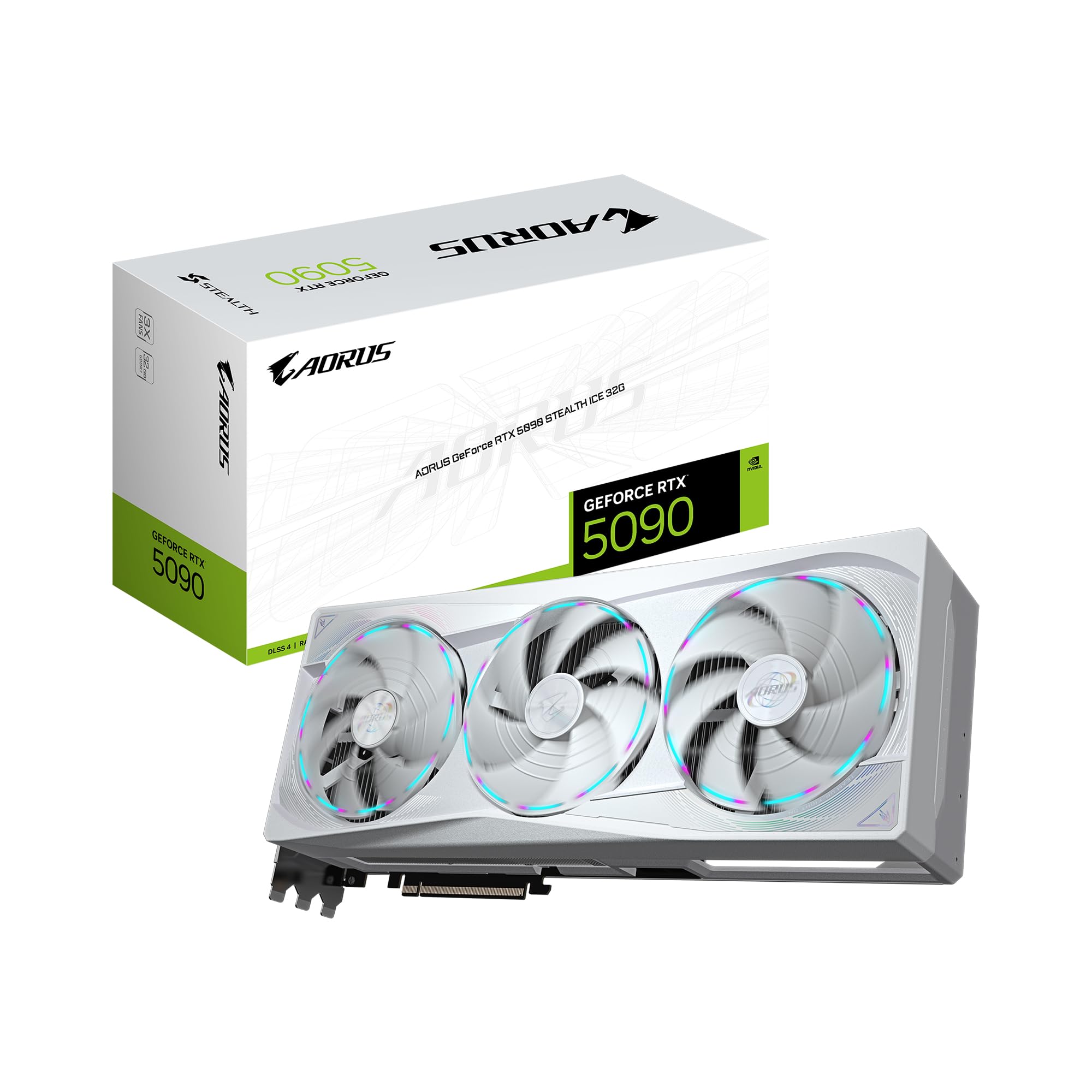
- GDDR7: Found in the GIGABYTE AORUS GeForce RTX 5090 Stealth ICE 32G Graphics Card, this memory is optimized for clock speed and affordable throughput. It's spectacular for fast iteration on smaller models.
- HBM3e / High-Density GDDR6: Found in enterprise cards like the PNY Technology VCNRTXPRO6000BQ-PB NVIDIA RTX PRO 6000 Blackwell, the focus is on massive capacity and error correction (ECC).
If you are running DeepSeek-V3, which utilizes a massive number of parameters spread across its MoE structure, 32GB simply isn't enough to hold the active weights without constant swapping to system RAM—a death sentence for performance. For these "reasoning-heavy" models, you need the 96GB VRAM buffer provided by the Blackwell Pro series.
§Comparing the 2026 AI Workhorse GPUs
| GPU | Architecture | VRAM | Best Use Case |
|---|---|---|---|
| RTX 5090 Stealth ICE | Blackwell | 32GB GDDR7 | Fast 70B Quantized Inference |
| RTX 6000 Ada | Ada Lovelace | 48GB GDDR6 | Stable Diffusion XL / Mid-tier LLMs |
| A100 80GB | Ampere | 80GB HBM2e | Large Batch Fine-tuning |
| RTX PRO 6000 Blackwell | Blackwell | 96GB GDDR6 | Full Llama-4 Reasoning / DeepSeek-V3 |
§Scaling to the workstation: When one GPU isn't enough
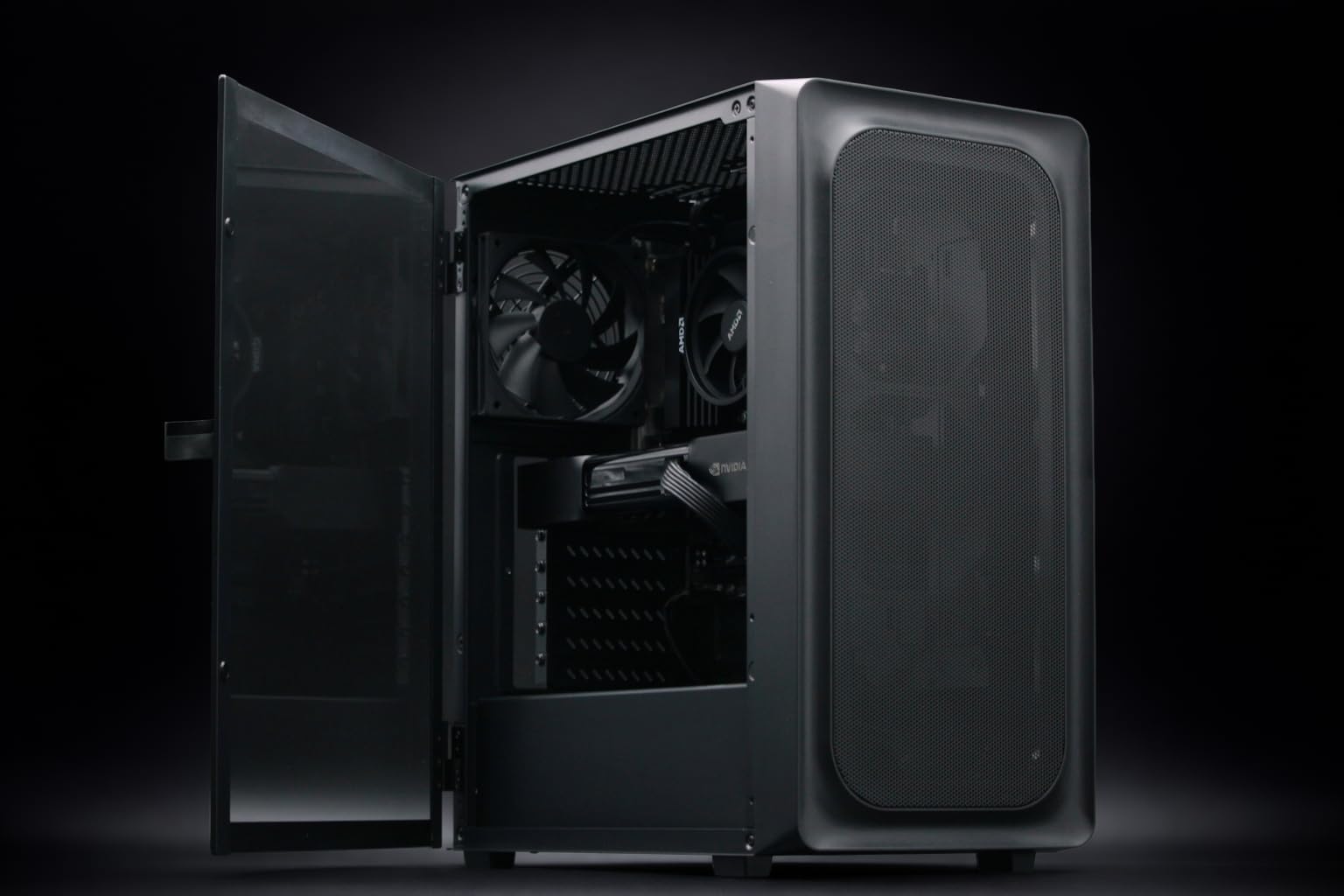
For many AI Workstations, the bottleneck isn't the GPU itself, but the PCIe lanes and power delivery. If you're building a rig to handle local Llama-4 at high fidelity, you have to decide between a DIY "multi-GPU" setup or a pre-configured enterprise workstation.
The Adamant Custom AI Learning Workstation is the sweet spot for developers. It pairs the RTX 5090 with 192GB of system RAM, providing a massive safety net for offloading layers when your model exceeds the 32GB VRAM limit.
However, if your work involves daily interaction with unquantized 400B+ models, the BoxGPT AI Workstation is a more surgical tool. By utilizing the RTX PRO 6000 Blackwell with its 96GB of VRAM, you can keep the entire KV cache and model weights on-card, resulting in tokens-per-second numbers that feel like a hosted API rather than a local crawl.
§The Enterprise Tier: H200 and beyond
For labs and startups that aren't just using Llama-4, but extending it through intensive RAG or continual pre-training, the consumer and prosumer tiers fall away. This is where systems like the ASUS Dual H200 NVL Server come in. With 141GB of HBM3e per GPU, these aren't just graphics cards; they are memory-centric accelerators designed to eliminate the data-transfer bottlenecks found on standard PCIe architectures. Check out our benchmarks to see how these stack up against the 5090 in multi-node configurations.
§Making the decision: A Developer's Matrix
- The Prosumer (Budget $4k-$6k): Grab a GIGABYTE AORUS RTX 5090. You get the fastest 32GB of memory currently available and excellent cooling for long inference runs.
- The Researcher (Budget $12k-$15k): Look toward the BoxGPT AI Workstation. The 96GB VRAM on the Blackwell Pro card allows you to run models that simply will not fit on consumer hardware without devastating quantization loss.
- The Power User (Budget $20k+): The NOVATECH Apex WS9985X offers the best of both worlds: a 64-core Threadripper for massive data preprocessing and the RTX 5090 for state-of-the-art inference speed.
FAQ
What is the minimum VRAM for Llama-4?
While you can run 8B versions on 12GB cards, for the flagship local experience (the 70B-100B models), we recommend a minimum of 32GB. The RTX 5090 is currently the gold standard for this.
Can I mix a 5090 with an older 4090 for more VRAM?
Technically yes, but you will be limited by the slower bandwidth of the older card, and memory pooling via NVLink is no longer supported on consumer cards. For seamless memory pooling, you'd need the enterprise RTX PRO 6000 Blackwell.
Why choose a 96GB card over two 48GB cards?
A single large memory pool is always more efficient than two smaller ones for LLMs. Splitting a model across two GPUs introduces interconnect latency. A single 96GB Blackwell Pro card can hold an entire Llama-4 70B at FP16, whereas two 48GB cards would struggle with the overhead of the split.
§Bottom line
If your goal is to stay on the cutting edge of local AI in 2026, the 32GB VRAM floor is non-negotiable. For developers, the 32GB RTX 5090 is the best "bang-for-buck" for high-speed inference. But if your work depends on the uncompromised reasoning of DeepSeek-V3 or full-precision Llama-4, the move to a 96GB Blackwell Workstation is the only way to ensure your hardware doesn't throttle into the ground.
Explore more options in our AI GPUs and AI Workstations sections to find the perfect fit for your stack.
Heads up: AI Hardware Hub may earn a commission when you buy through links on this page. We only recommend gear we'd run ourselves.