The hardware landscape for running State-of-the-Art (SOTA) models has shifted. Running Llama-4 or DeepSeek locally today requires more than just raw compute; it demands a strategic choice between the blistering speed of consumer GDDR7 and the massive, stable capacity of enterprise HBM3e. If you choose wrong, Llama-4 local hardware requirements will turn into your most expensive bottleneck.
Heads up: AI Hardware Hub may earn a commission when you buy through links on this page. We only recommend gear we'd run ourselves.
§The memory wall: GDDR7 speed vs. HBM3e capacity
Local LLM performance is rarely about TFLOPS anymore—it’s about memory bandwidth and VRAM footprint. With the release of Llama-4, we’ve seen model sizes that make even the beefiest 2024-era cards look like toys.
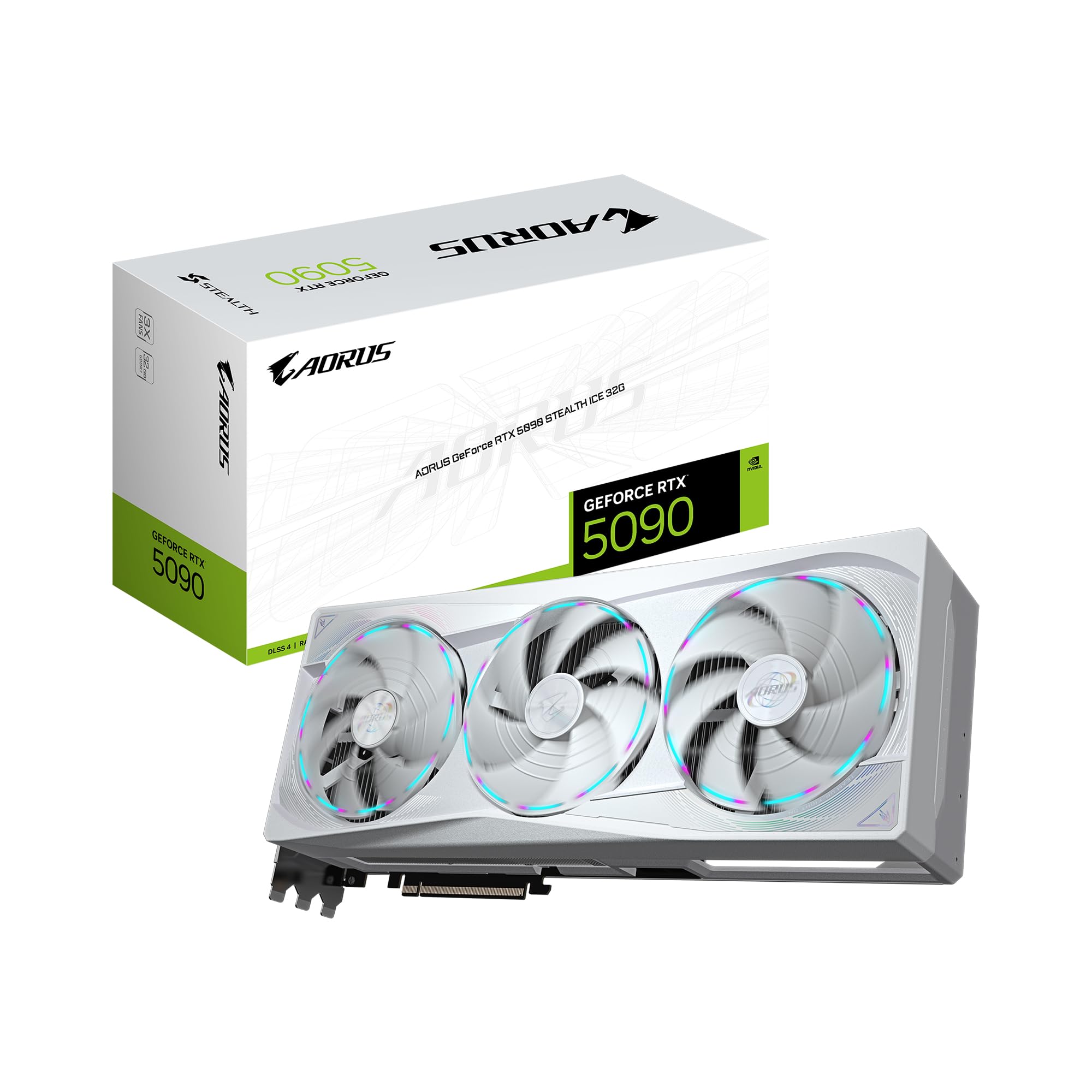
Consumer cards like the GIGABYTE AORUS GeForce RTX 5090 Stealth ICE 32G have introduced GDDR7, which pushes data at unprecedented rates for desktop users. This is great for small-to-midsize models, but Llama-4's parameter count pushes the limits of a 32GB buffer. To fit these models on consumer silicon, you're forced into aggressive quantization (4-bit or even 3-bit), which can degrade reasoning capabilities.
On the other hand, enterprise-grade chips like the PNY Technology VCNRTXPRO6000BQ-PB NVIDIA RTX PRO 6000 Blackwell Max-Q utilize massive VRAM pools to keep models in higher precision (FP16 or BF16). While the per-pin bandwidth of HBM3e is the gold standard for throughput in enterprise AI systems, the real win for local developers is capacity.
§Hardware bottlenecks for Llama-4 and DeepSeek
When you're building a rig for Llama-4 local hardware requirements, you need to identify where your pipeline will choke.
- PCIe Bandwidth: If you're running multi-GPU setups—like a BoxGPT AI Workstation—the interconnect speed between those cards determines how fast tensors can be shared.
- Quantization Loss: Fitting a 70B+ model on a PNY NVIDIA GeForce RTX 5080 Epic-X requires shrinking weights. This usually results in a "perplexity penalty," where the model becomes more prone to hallucinations compared to its unquantized version on an ASUS ESC8000A-E12P.
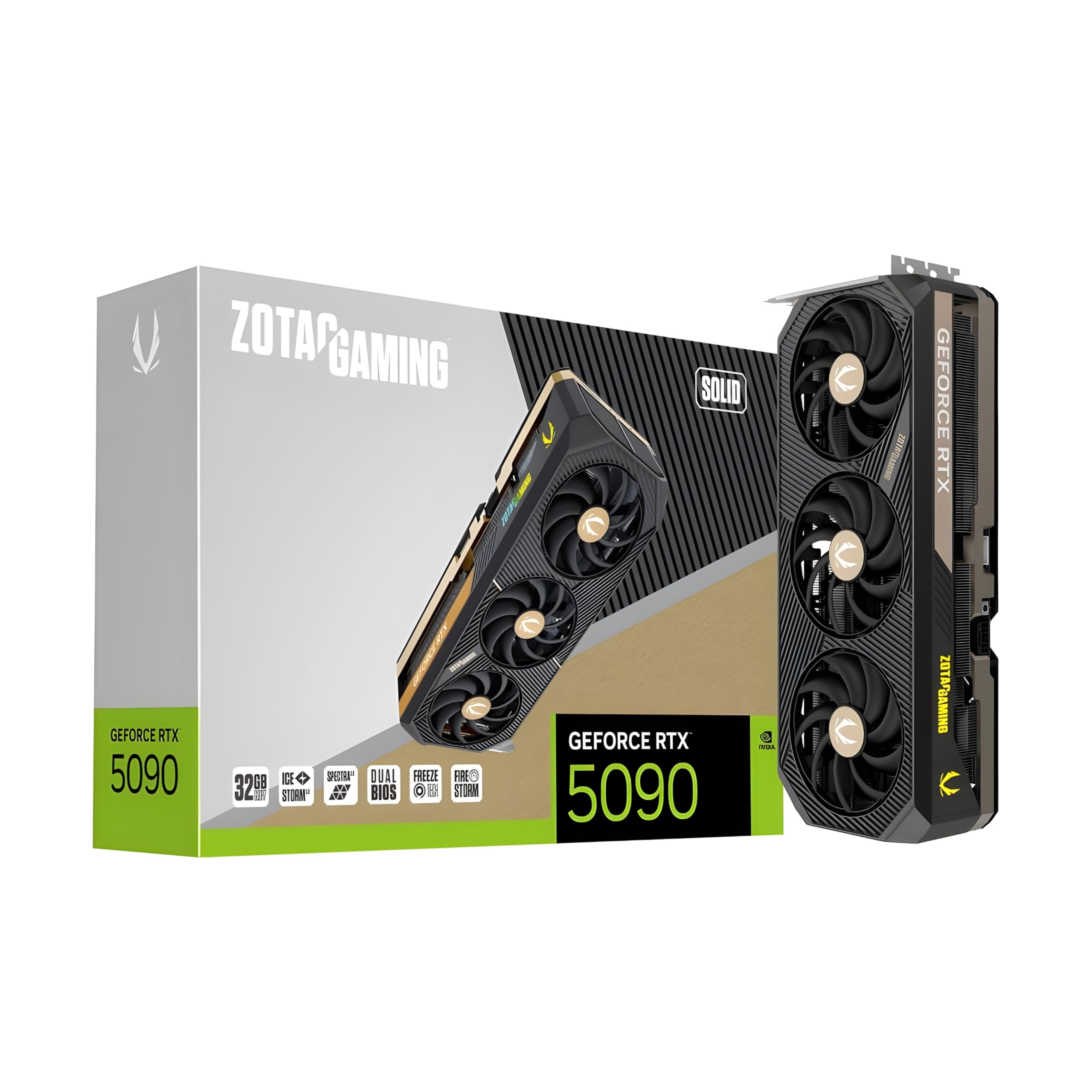
- Context Window Exhaustion: As you feed more tokens into the context, VRAM usage spikes. A 32GB ZOTAC Gaming GeForce RTX 5090 Solid can run Llama-4, but if you need a 128k context window, you’ll run out of memory long before the model finishes its thought.
§Comparing Consumer vs. Enterprise performance
| Feature | Consumer Elite (RTX 5090) | Enterprise Workstation (RTX PRO 6000) |
|---|---|---|
| Memory Type | GDDR7 | GDDR6 / HBM3e (on H-class) |
| VRAM Capacity | 32 GB | 96 GB |
| Best For | High-speed inference (Quantized) | Fine-tuning & Large Context |
| Llama-4 Fit | 4-bit / 5-bit Quantization | Full Precision / 8-bit |
| Price Point | ~$4,200 | ~$13,500+ |
§The "Sweet Spot" workstations for developers
For ML engineers who don’t want to manage a server room but need more than a gaming PC, the workstation category has matured. Systems like the NOVATECH Apex WS9965X offer a bridge, using high-end CPUs to handle data prep while the GPU handles the heavy lifting.
However, if your goal is strictly local inference of the largest models, the BoxGPT AI Workstation with dual RTX PRO 6000 Blackwell GPUs is the gold standard. 96GB of VRAM allows you to run even the most demanding DeepSeek variants without stripping away the model's intelligence through excessive quantization.
§Why memory bandwidth isn't the only metric
While we obsess over memory speeds, the Blackwell architecture has introduced significant improvements in benchmarks for FP4 and FP8 tensor operations. This means that even the "smaller" 16GB RTX 5080 can act as a high-speed inference engine for edge deployment, provided the model has been optimized for it.
Your hardware checklist for SOTA models:
- Minimum VRAM: 24GB for Llama-4 (Quantized), 80GB+ for unquantized.
- System RAM: Double your VRAM. If you're running 96GB VRAM, aim for 256GB DDR5 RAM.
- Cooling: Consumer GDDR7 runs hot. Ensure your case has high static pressure fans or look at liquid-cooled AI workstations.
§Future-proofing: Is GDDR7 enough?
GDDR7 is a massive leap over GDDR6X, but it doesn't solve the capacity issue. As models grow, we see a divergence in the community. Some developers are focusing on "Extreme Quantization," making models small enough for a ZOTAC 5090. Others refuse to compromise, moving toward enterprise AI GPUs to ensure they are seeing the model's true output.
If you are a developer building a product that relies on subtle reasoning, the 96GB VRAM on a PRO 6000 Blackwell isn't a luxury—it's a requirement to ensure your local dev environment matches your production weights.
FAQ
Can I run Llama-4 on a single RTX 5090?
Yes, but you will likely need to use 4-bit or 5-bit quantization. A single RTX 5090 32GB card provides enough overhead for standard 70B parameter models at moderate context lengths.
Why is HBM3e so much more expensive than GDDR7?
HBM3e (High Bandwidth Memory) is stacked vertically on the GPU die, allowing for a much wider memory bus and lower power consumption per bit. It is much more complex to manufacture than the discrete GDDR7 chips found on consumer cards like the RTX 5080.
Do I need a Threadripper for AI workstations?
A high-core-count CPU like the one in the NOVATECH Apex WS9965X isn't strictly necessary for inference, but it is vital for data preprocessing, tokenization, and managing multiple high-speed PCIe lanes for multi-GPU setups.
§Verdict
If you're an ML engineer prioritizing speed and rapid iteration on quantized models, go for the GIGABYTE AORUS RTX 5090. The GDDR7 throughput is unbeatable for the price. However, if your work involves Llama-4 or DeepSeek versions that require high precision or massive context windows, your only real path is the high-VRAM enterprise route. A workstation like the BoxGPT RTX PRO 6000 provides the 96GB ceiling that prevents your local development from hitting a memory wall.
Heads up: AI Hardware Hub may earn a commission when you buy through links on this page. We only recommend gear we'd run ourselves.