The release of Llama-4 has shifted the goalposts for what defines a "capable" local ML inference hardware setup. While the architecture remains transformer-based, the ballooning parameter counts and increased context windows require a surgical approach to memory management and hardware selection. If you're building a rig today, your primary decision isn't just about raw compute power—it’s a battle between the high-bandwidth accessible via GDDR7 on consumer cards and the massive capacity of HBM3e and professional VRAM pools.
Heads up: AI Hardware Hub may earn a commission when you buy through links on this page. We only recommend gear we'd run ourselves.
§The GDDR7 revolution in consumer silicon
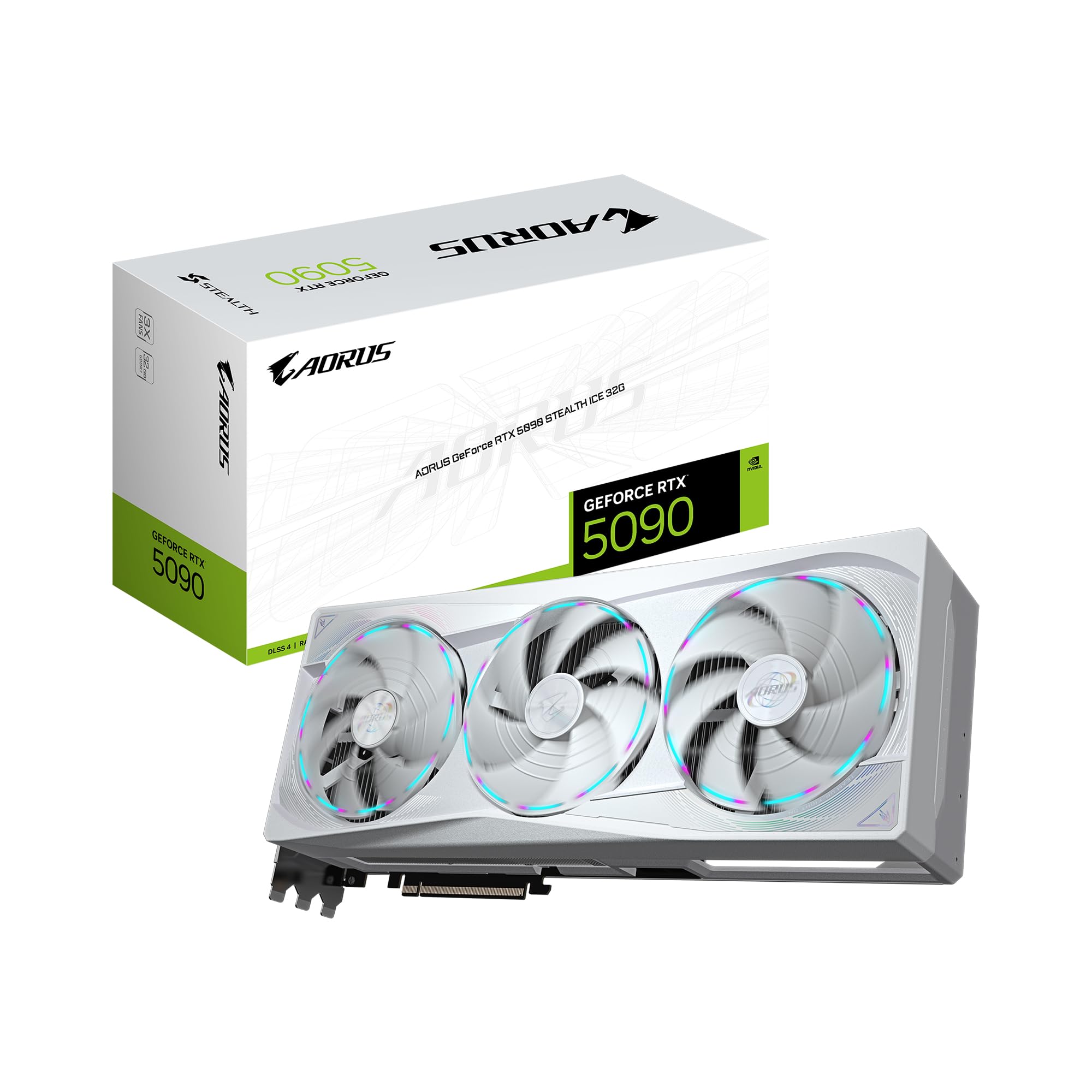
With the arrival of the Blackwell consumer architecture, we’ve finally seen the jump to GDDR7 memory. Cards like the GIGABYTE AORUS GeForce RTX 5090 Stealth ICE 32G Graphics Card and the ZOTAC GeForce RTX 5090 Solid OC Graphics Card provide 32GB of VRAM. This is a significant bump from the 24GB ceiling we resided at for years, but it comes with a technical caveat: bandwidth is up, but capacity is still tight for SOTA (State of the Art) models.
GDDR7 offers significantly higher pin speeds than the previous generation, meaning that for smaller, highly optimized models, tokens-per-second (t/s) rates are skyrocketing. If you are running a Llama-4 8B or 70B (highly quantized), the 5090 series provides near-instantaneous responses. However, local ML inference hardware isn't just about speed; it's about whether the model fits into memory without spilling over to slow system RAM.
§Quantization: The engineer's balancing act
To run a SOTA model like Llama-4 on a 32GB card, you must embrace quantization. While FP16 is the dream, 4-bit (QUIP# or GGUF) is the reality for most local setups.
- Llama-4 400B+: Forget single-GPU consumer runs. Even at 3-bit, you're looking at professional multi-GPU clusters.
- Llama-4 70B: Fits comfortably on a ZOTAC GeForce RTX 5090 Solid OC Graphics Card at 4-bit quantization, leaving room for a modest context window.
- The "Context Crunch": As context windows expand to 128k or 256k tokens, the KV cache eats VRAM for breakfast. A 32GB card can run the model, but long-form reasoning might trigger an OOM (Out of Memory) error.
§Shifting to the professional tier: 96GB Blackwell units
When you move from the GIGABYTE AORUS GeForce RTX 5090 Stealth ICE 32G Graphics Card to something like the PNY Technology VCNRTXPRO6000BQ-PB NVIDIA RTX PRO 6000 Blackwell Max-Q Workstation Graphics Card, the conversation changes from "Can I run it?" to "How many instances can I run?".
The 96GB VRAM pool on the PRO 6000 Blackwell is a game-changer for local ML inference. It allows for:
- Lower Quantization Loss: Run 70B models in FP16 or high-bit EXL2 for superior reasoning.
- Massive Context: Large-scale document analysis without pruning the KV cache.
- Multi-Model Pipelines: Running an embedding model, a vision model, and a reasoning LLM simultaneously.
Consult our benchmarks page to see how the 96GB units handle current SOTA benchmarks compared to consumer dual-GPU setups.
§Infrastructure Comparison: Consumer vs. Professional
| Feature | Consumer Flagship (RTX 5090) | Professional Workstation Card |
|---|---|---|
| VRAM Capacity | 32GB GDDR7 | 96GB GDDR7 / HBM Variants |
| Memory Bus | 512-bit | 512-bit+ (Optimized for ECC) |
| Primary Use Case | Fast Inference / Finetuning Small Models | Large Model Inference / Heavy Finetuning |
| Model Compatibility | Llama-4 70B (Quantized) | Llama-4 70B (FP16) / Heavy Quant 400B |
| Price Point | ~$2,000 - $4,300 | $13,000+ |
§Workstation builds: The "Ready-to-Code" solution
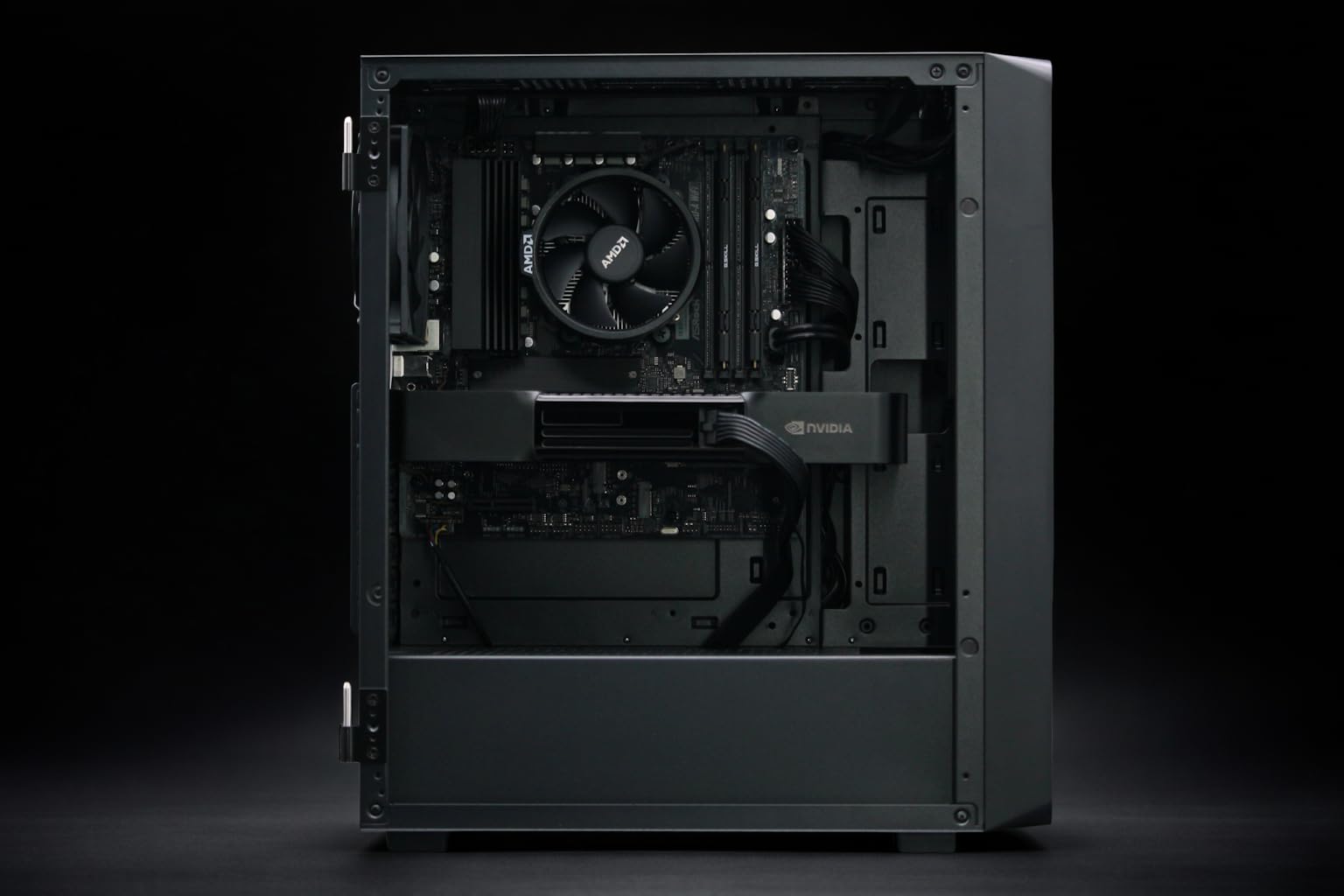
For many ML engineers, the friction of assembling parts, managing thermal pads, and configuring Linux drivers is a distraction from the actual work. AI workstations have become the standard for research labs that need to hit the ground running.
The BoxGPT AI Workstation, RTX PRO 5000 Blackwell, 48GB VRAM represents a solid middle ground. With 48GB of VRAM, it handles the 70B models with much more breathing room than a 5090, especially for developers using coding agents that require large context.
If your budget allows for the enterprise tier, the BoxGPT AI Workstation, RTX PRO 6000 Blackwell, 96GB VRAM is the gold standard. Featuring a Ryzen 9900X and 256GB of DDR5 system RAM, it provides the throughput necessary to keep the GPUs fed with data during long inference runs.
§The performance gap: Why GDDR7 vs HBM3e matters
While the cards we discussed primarily use GDDR7, the true performance gap in the 2026 landscape comes from memory architecture. GDDR7 is fast and relatively cheap, making it perfect for AI GPUs aimed at the "prosumer" market. However, it lacks the massive parallel bus width of HBM3e found in data-center H100/H200 equivalents.
For local ML inference hardware, you're usually bandwidth-bound. A card like the ZOTAC GeForce RTX 5090 Solid OC overcomes this with clock speed, but the sheer capacity of the PNY RTX PRO 6000 Blackwell allows for techniques like Flash Attention 3 and larger batch sizes that consumer cards can't touch.
Key takeaway for local inference:
- Speed-focused: Choose GDDR7 cards like the GIGABYTE AORUS RTX 5090 Stealth ICE for small-to-mid models where latency is king.
- Scale-focused: Choose high-capacity Blackwell units for large-parameter models or massive context requirements.
FAQ
Can I run Llama-4 on a dual RTX 5090 setup?
Yes. Using NVLink is a thing of the past for consumer cards, but PCIe 5.0 and software-level splitting (using llama.cpp or vLLM) allow you to pool two ZOTAC GeForce RTX 5090 Solid OC Graphics Cards for 64GB of VRAM. This is often more cost-effective than a single professional card for inference-only tasks.
Is 32GB of VRAM enough for 2026 SOTA models?
It is the "entry-level" for serious ML. While 32GB can run almost any model via heavy quantization, you will find yourself limited when trying to finetune or use extremely long context windows. For professional development, 48GB+ is the recommended baseline.
Why choose a pre-built BoxGPT AI Workstation over a custom build?
Compatibility and support. The BoxGPT AI Workstation comes pre-configured with the latest CUDA drivers, ROCm (if applicable), and software stacks like Ollama. For many engineers, the time saved on troubleshooting environment variables is worth the premium.
§Bottom line
If you are an engineer focusing on lightning-fast local agents and can live with 4-bit quantization, the GIGABYTE AORUS GeForce RTX 5090 Stealth ICE 32G Graphics Card is the most powerful consumer tool ever built. Its GDDR7 throughput makes inference feel like a breeze. However, for those of us working on deep reasoning, RAG (Retrieval-Augmented Generation) with massive libraries, or Llama-4 400B+ experiments, the PNY RTX PRO 6000 Blackwell is an unavoidable—and incredible—investment.
Heads up: AI Hardware Hub may earn a commission when you buy through links on this page. We only recommend gear we'd run ourselves.